Vee Techno Electronics – TV Repair Service Hyderabad

Samsung TV Repair

Looking for reliable Samsung TV repair in Hyderabad? Explore expert tips, troubleshooting guides, and practical solutions for common Samsung TV issues to keep your TV running smoothly.

Hyderabad tv repair, LED TV Repair Hyderabad, Samsung TV Repair, tv repair in hyderabad

White Spots on Samsung TV Screen? Here’s the Real Reason It Happens

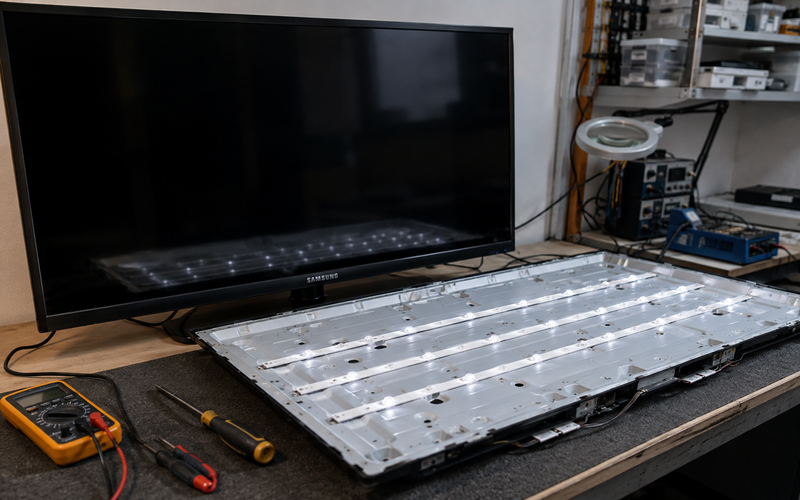
White Spots on Samsung TV Screen? Here’s the Real Reason It Happens Quick Answer White spots on a Samsung TV are usually caused by detached LED reflector lenses inside the panel. Heat weakens the adhesive holding these lenses, causing bright white circles or dots to appear on the screen. Why White Dots Appear on Samsung TVs A very common search we hear from customers is: “white circles on Samsung TV” “bright spots on TV screen” “white dots appearing on LED TV” “TV has flashlight spots” This issue is extremely common in LED TVs after years of continuous use. What Causes White Spots? Inside your TV panel: LED lights sit behind the display each LED has a reflector lens these lenses spread brightness evenly Over time: heat melts the glue lenses fall off direct LED light shines through the screen That creates: bright white circles flashlight-like spots uneven brightness patches Why This Happens Frequently in Hyderabad Many Hyderabad households keep TVs running: 8–12 hours daily in enclosed wall units without proper airflow Continuous heat buildup accelerates reflector damage. We especially notice this in: Samsung LED TVs budget Smart TVs heavily used living room TVs Can You Fix White Spots at Home? Technically yes — but it’s risky. The repair requires: complete LCD panel dismantling precision handling dust-free alignment proper LED testing One small mistake can permanently crack the display panel. Signs You Need LED Backlight Service Common symptoms: perfectly round white circles bright patches during sports scenes uneven screen brightness flashlight effect on white backgrounds Can This Problem Be Repaired? Issue Repairable? Fallen reflector lenses Yes LED strip failure Yes Uneven backlight Yes Cracked LCD panel Usually No Approximate Repair Cost in Hyderabad Repair Type Estimated Cost Reflector reinstallation ₹1800 – ₹3500 LED strip replacement ₹2200 – ₹5000 Full panel replacement Depends on model Technician Insight In many Samsung TVs, temporary local glue fixes fail again within months. Professional repair involves: heat-resistant bonding LED testing proper diffuser alignment FAQs Why are white spots visible mostly on bright scenes? Because the exposed LED becomes more visible against lighter backgrounds. Is this a software issue? No. White spots are physical hardware defects inside the panel. Can the TV still be used? Yes, but the issue usually worsens over time. Are white spots common in Samsung TVs? Yes. Especially in older LED TVs with heavy daily usage. Can LED strips also be damaged? Yes. Many TVs with white spots also have weakening backlights. If your Samsung TV has bright white dots or uneven lighting, professional LED TV repair in Hyderabad can restore proper screen uniformity without risking panel damage.

Hyderabad tv repair, LED TV Repair Hyderabad, Samsung TV Repair, tv repair in hyderabad

Sony TV Not Turning On? No Red Light, No Power — Causes & Repair in Hyderabad

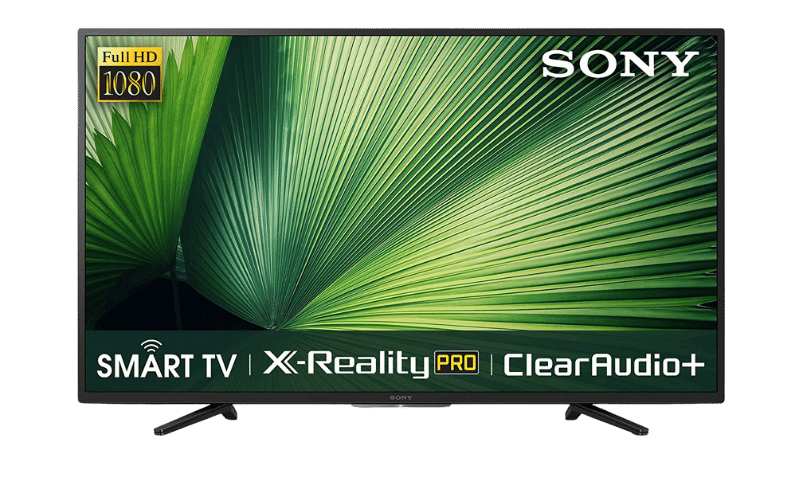
Sony TV Not Turning On? No Red Light, No Power — Causes & Repair in Hyderabad Quick Answer If your Sony TV is completely dead with no red standby light, the issue is usually caused by a damaged power supply board, blown fuse, motherboard short circuit, or voltage surge damage. In many cases, the TV can still be repaired without replacing the full panel. Sony TV Completely Dead? Here’s What Usually Happens One of the most stressful TV problems is when: the screen stays black no Sony logo appears no standby light turns on remote does nothing TV feels completely dead Many Hyderabad customers assume: “TV totally gone.” But in reality, most no-power Sony TV problems are repairable. First Check These Simple Things Before assuming internal damage, test these basics. 1. Check the Wall Socket Plug: a mobile charger fan or lamp into the same outlet. Power fluctuations are very common in Hyderabad apartments, especially during summer AC loads and inverter switching. 2. Inspect the Power Cable A loose or damaged power cord can stop the TV from receiving electricity. Check: loose connection behind TV bent cable burn smell near adapter or socket 3. Try a Hard Power Reset Unplug the TV completely for: 10–15 minutes Then: hold the TV’s physical power button for 30 seconds reconnect power attempt startup again If still completely dead, internal hardware is likely damaged. The Most Common Cause: Power Supply Board Failure In many Sony Smart TVs, the SMPS (power supply board) gets damaged due to: sudden voltage spikes lightning/power surge overheating capacitor aging inverter fluctuations This is especially common during: rainy season sudden current cuts generator switching in Hyderabad residential areas. Signs Your Sony TV Has Power Board Damage Common symptoms: no red standby light clicking sound but no startup TV dead after power cut burnt smell from backside TV stopped working suddenly overnight Our technicians frequently see this in: Sony Bravia LED TVs older Android Sony TVs 43-inch to 65-inch models What Happens Inside the TV? The power supply board converts high voltage into controlled power for: motherboard display audio WiFi module LED backlights When: capacitors swell fuse blows MOSFET fails voltage IC burns the TV receives no usable power. Result:completely dead TV. Can This Sony TV Problem Be Repaired? Problem Repairable? Blown fuse Yes Power supply board failure Yes Capacitor damage Yes Motherboard short Usually Yes Cracked panel No Approximate Sony TV Repair Cost in Hyderabad Issue Estimated Cost Power board repair ₹1800 – ₹4500 Capacitor replacement ₹1200 – ₹2500 Motherboard repair ₹3000 – ₹7000 Full board replacement Depends on model Important Warning Avoid repeatedly pressing the power button when: TV clicks repeatedly power fluctuates standby light blinks abnormally This can overload damaged circuits further. Technician Insight From Hyderabad Repairs We commonly notice: surge damage from low-quality extension boards overheating from tightly enclosed wall units inverter output instability damaging Sony power boards Using a quality voltage stabilizer significantly reduces future failures. Difference Between “No Power” and “Blinking Red Light” No Light at All Usually: power board issue fuse issue major motherboard short Blinking Red Light Usually: internal protection mode panel issue backlight fault overheating detection These are different problems and require different diagnosis methods. FAQs Why is my Sony TV completely dead? Usually because the power supply board stopped delivering power internally. Can a dead Sony TV be repaired? Yes. Most no-power issues are repairable without replacing the screen. Why did my Sony TV stop working after a power cut? Voltage spikes during power restoration commonly damage the SMPS board. How long does Sony TV power repair take? Most repairs are completed within 1–2 days depending on spare availability. Is motherboard replacement always necessary? No. Many boards can be repaired at chip level instead of full replacement. If your Sony TV has no standby light and refuses to turn on, professional Sony TV repair in Hyderabad can diagnose whether the issue is with the power board, motherboard, or surge-damaged components before recommending expensive replacements.  

Hyderabad tv repair, LED TV Repair Hyderabad, Samsung TV Repair, tv repair in hyderabad

Samsung TV Screen Keeps Going Dark? Causes, Fixes & Repair Cost in Hyderabad

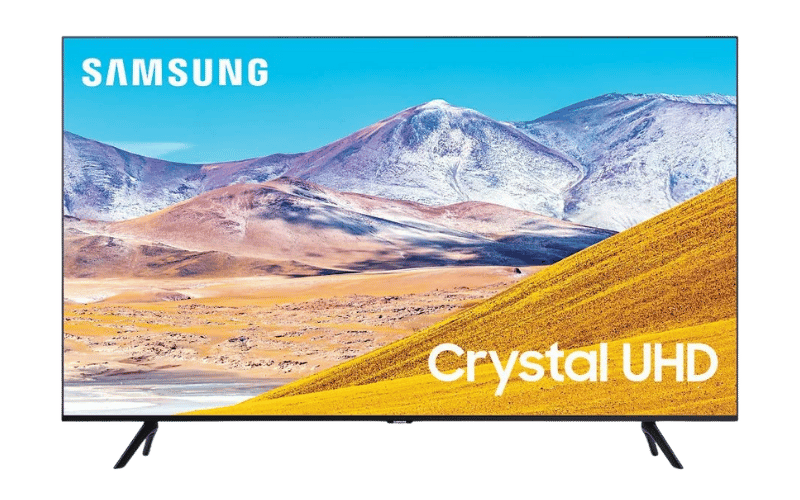
Samsung TV Screen Keeps Going Dark? Causes, Fixes & Repair Cost in Hyderabad Quick Answer If your Samsung TV screen suddenly becomes dark or keeps dimming automatically, the problem is usually caused by either Eco Mode settings or failing LED backlights. If the screen becomes darker on one side or brightness fluctuates randomly, the LED strips or LED driver board may need repair. Why Samsung TVs Suddenly Become Dim One of the most common complaints we receive from Hyderabad customers is: “Samsung TV brightness keeps changing” “Samsung TV screen became dark suddenly” “Half screen darker than other side” “Samsung TV automatically dimming” In many Hyderabad apartments, voltage fluctuations and heavy daily usage accelerate LED wear, especially in Samsung Crystal UHD and older Smart TV models. First Check: Samsung Eco Mode Settings Before assuming hardware damage, check whether your TV is automatically adjusting brightness. Go to: Settings → General → Eco Solution → Ambient Light Detection Turn OFF: Ambient Light Detection Brightness Optimization Energy Saving Mode Many users mistake this feature for a screen defect. Signs Your Samsung TV Has a Hardware Problem If Eco Mode is already disabled and the issue continues, your TV likely has failing LED backlights. Common symptoms: Screen becomes dark after 10–20 minutes Half screen looks dim Brightness flickers randomly Audio works but picture becomes very dark TV heats up near the bottom panel Our technicians frequently see this issue in: Samsung Crystal 4K series Samsung AU7700 Samsung TU series TVs Especially after 2–3 years of heavy daily use. What Actually Fails Inside the TV? Behind the display panel are multiple LED strips that provide brightness. Over time: LEDs weaken from heat diffuser lenses burn LED driver IC overheats power delivery becomes unstable This causes the TV to reduce brightness automatically to protect the motherboard. Can This Samsung TV Problem Be Repaired? Problem Repairable? Auto brightness issue Yes Half screen dark Yes LED backlight failure Yes Motherboard dimming issue Yes Cracked screen Usually No Approximate Samsung TV Repair Cost in Hyderabad Issue Estimated Cost LED backlight replacement ₹1800 – ₹4500 LED driver repair ₹1500 – ₹3500 Motherboard repair ₹2500 – ₹6000 Costs depend on: screen size model series panel condition Important Warning Do NOT continue using the TV if: brightness fluctuates heavily screen becomes extremely hot half display turns black This can overload the power board and damage additional components. Why Hyderabad Homes Commonly Face This Issue In Hyderabad, we frequently notice: inverter switching fluctuations unstable apartment power supply poor ventilation around wall-mounted TVs These conditions speed up LED deterioration. FAQs Why does my Samsung TV become dark suddenly? Usually due to Eco Mode settings or failing LED backlights. Can LED backlights be replaced? Yes. In most cases, LED strips can be replaced without changing the entire panel. Why is one side of my Samsung TV darker? This usually means a section of the LED strip has failed. How long does Samsung LED backlight repair take? Most repairs are completed within 1 day depending on spare availability. Is this issue common in Samsung Smart TVs? Yes. We frequently see this in Crystal UHD and older Samsung LED models. For professional diagnosis and doorstep Samsung TV repair in Hyderabad, our technicians handle LED backlight, motherboard, and display-related issues across all Samsung Smart TV models.

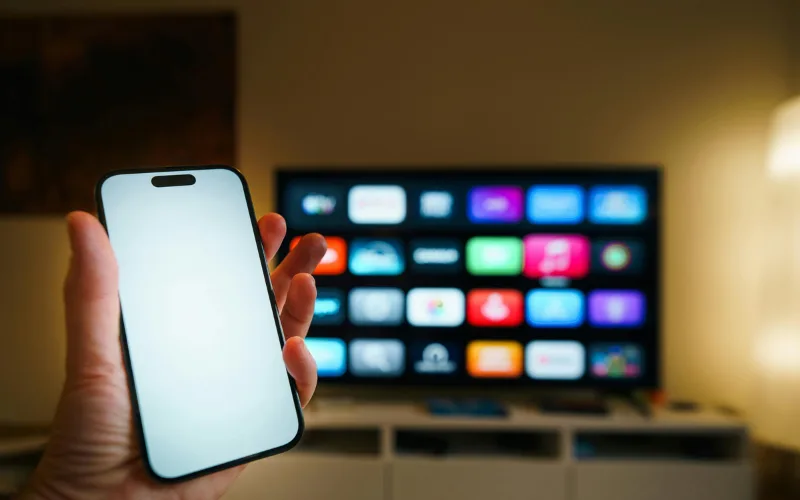
Smartphone failing to cast to a Smart TV due to Wi-Fi connection issues, diagnosed by LED TV repair services in Hyderabad.
android tv repair in hyderabad, Haier TV repair in Hyderabad, Hyderabad tv repair, LED TV Repair Hyderabad, LG TV Repair in Hyderabad, MI TV Repaiar, OnePlus TV repair in Hyderabad, Philips tv repair in hyderabad, Samsung TV Repair, smart tv repair hyderabad, Sony TV Repair in Hyderabad, tv motherboard repair in hyderabad, tv repair in hyderabad

Screen Mirroring and Chromecast Not Working on Your Smart TV?

Screen Mirroring and Chromecast Not Working on Your Smart TV? The Disconnect Between Phone and TV Sharing vacation photos or a YouTube video from your smartphone to your big screen should be seamless. But often, the TV simply doesn’t show up in your phone’s casting list, or the connection drops after just a few seconds. Troubleshooting Wireless Casting Network Unity: Ensure both your smartphone and the TV are connected to the exact same Wi-Fi band (e.g., both on 5GHz, not one on 2.4GHz and the other on 5GHz). Update Casting Apps: On Android TVs, go to the Google Play Store and ensure “Android System WebView” and “Chromecast built-in” are fully updated. Router Reboot: Sometimes the router’s IP assignment gets confused. Restarting your router can instantly fix casting visibility. If your TV frequently drops Wi-Fi signals altogether, the internal Wi-Fi/Bluetooth combo module may be failing. For advanced network diagnostics, rely on our LED tv repair services in hyderabad to keep your home fully connected.

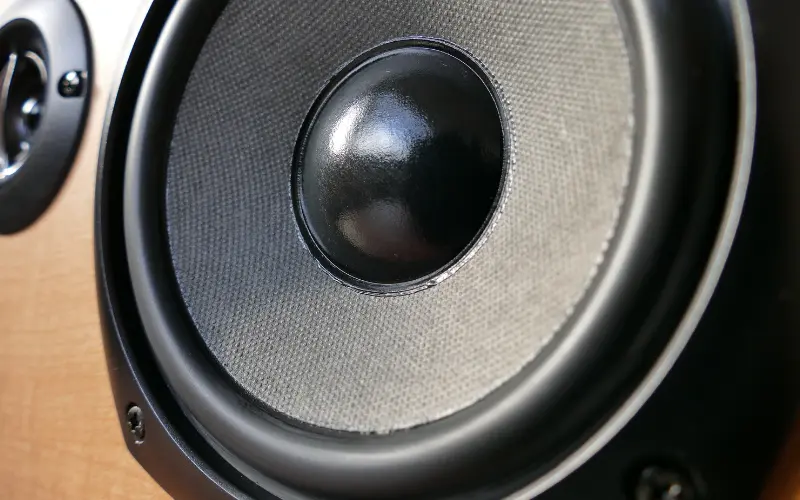
Close-up of a damaged internal TV speaker causing crackling audio, replaced during an affordable TV repair in Hyderabad.
android tv repair in hyderabad, Haier TV repair in Hyderabad, Hyderabad tv repair, LED TV Repair Hyderabad, LG TV Repair in Hyderabad, MI TV Repaiar, OnePlus TV repair in Hyderabad, Philips tv repair in hyderabad, Samsung TV Repair, smart tv repair hyderabad, Sony TV Repair in Hyderabad, tv repair in hyderabad

TV Speakers Crackling or Buzzing at High Volumes? Here is the Fix

TV Speakers Crackling or Buzzing at High Volumes? Here is the Fix The Sacrifice for Slim Designs Modern televisions are incredibly thin, which means there is very little physical space for high-quality audio drivers. Manufacturers use tiny, downward-firing speakers that are easily pushed to their absolute limits.   Why Your Audio Sounds Distorted If you hear a harsh buzzing or crackling noise—especially during deep bass sounds or loud action scenes—the physical cone inside the speaker has likely torn or detached from its housing. This usually happens if you frequently listen to music or movies at maximum volume without an external soundbar.   The Repair Process Blown TV speakers cannot be “glued” back together; they must be replaced as a modular unit. Fortunately, this is one of the most cost-effective hardware fixes available. If you want crystal clear dialogue without buying an expensive home theater system, contact us for Affordable tv repair in hyderabad and we will install brand-new acoustic drivers at your doorstep.

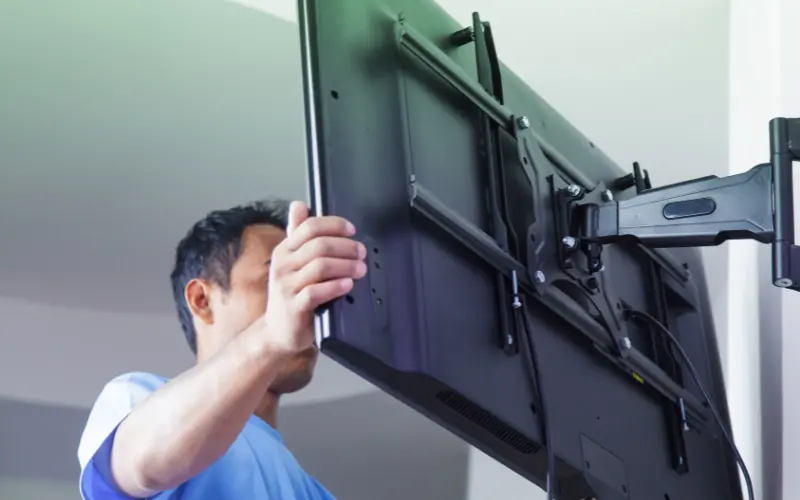
Proper installation of a heavy-duty wall mount bracket to prevent screen damage, advised by the best TV repair in Hyderabad.
android tv repair in hyderabad, Haier TV repair in Hyderabad, Hyderabad tv repair, LED TV Repair Hyderabad, LG TV Repair in Hyderabad, MI TV Repaiar, OnePlus TV repair in Hyderabad, Philips tv repair in hyderabad, Samsung TV Repair, smart tv repair hyderabad, Sony TV Repair in Hyderabad, tv repair in hyderabad

Are You Damaging Your TV Without Knowing It? The Risks of Bad Wall Mounting

Are You Damaging Your TV Without Knowing It? The Risks of Bad Wall Mounting The Invisible Stress on Your Screen Wall-mounting a massive 65-inch flat screen saves space and looks elegant. However, if the installation is done incorrectly using cheap brackets or unlevel drilling, it puts immense physical stress on the ultra-thin plastic frame of the TV. How Bad Mounting Destroys TVs Frame Warping: If the wall isn’t perfectly flat or the screws are overtightened on one side, the TV frame bends slightly. Over weeks, this tension can cause the internal glass panel to crack spontaneously. Heat Trapping: Mounting a TV perfectly flush against a wall blocks the rear ventilation grates, leading to severe motherboard overheating. Always use heavy-duty, VESA-compliant mounts and leave at least two inches of breathing room behind the unit. If you’ve noticed bright white spots in the corners of your screen (a sign of frame pressure), you need an expert assessment. Call the Best tv repair in hyderabad for a structural and hardware checkup today.

Samsung Smart TV stuck on the startup logo in a continuous boot loop, diagnosed by Samsung TV repair in Hyderabad.
Hyderabad tv repair, LED TV Repair Hyderabad, Samsung TV Repair, tv repair in hyderabad

Samsung TV Turning On and Off Repeatedly? The “Boot Loop” Explained

Samsung TV Turning On and Off Repeatedly? The “Boot Loop” Explained The Frustrating “Click of Death” You sit down to watch a movie, press the power button, the Samsung logo appears, you hear a “click,” and the TV shuts down—only to turn itself back on and do it all over again. This endless cycle is known in the repair industry as a “boot loop.” Why Does This Happen? Failing Capacitors: Over time, the capacitors on the power supply board can bulge and leak. They fail to hold enough charge to boot the screen fully. Corrupted Mainboard Firmware: A recent background update may have failed, corrupting the TV’s operating system. Short-Circuited Screen Panel: If the actual display panel has a microscopic short, the TV detects the power surge and immediately shuts off to prevent a fire. How to Break the Loop First, try unplugging the TV from the wall for 10 minutes to drain residual power. If it still loops, hardware replacement is necessary. For fast, reliable Samsung TV repair in hyderabad, our technicians carry genuine power boards and diagnostic tools to stop the boot loop permanently.

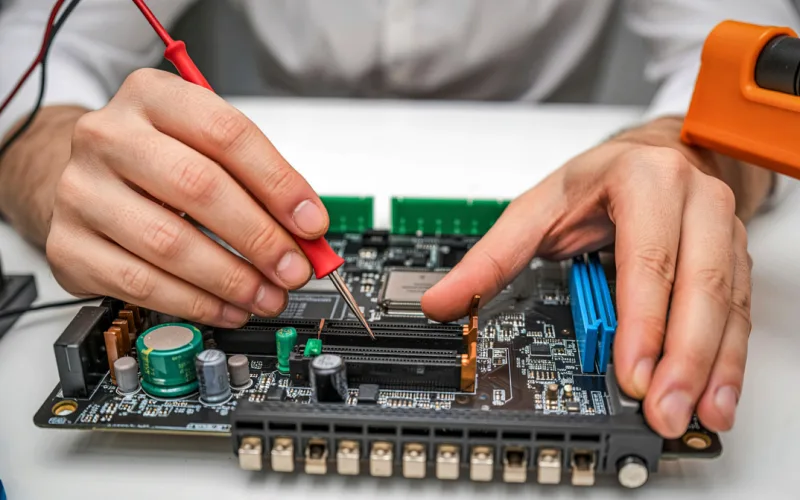
Experienced technician evaluating an older Smart TV motherboard to provide affordable TV repair in Hyderabad.
android tv repair in hyderabad, Haier TV repair in Hyderabad, Hyderabad tv repair, LED TV Repair Hyderabad, LG TV Repair in Hyderabad, MI TV Repaiar, OnePlus TV repair in Hyderabad, Philips tv repair in hyderabad, Samsung TV Repair, smart tv repair hyderabad, Sony TV Repair in Hyderabad, tv motherboard repair in hyderabad, tv repair in hyderabad

Upgrading vs. Repairing: When is Your Old TV Worth Saving?

Upgrading vs. Repairing: When is Your Old TV Worth Saving? The Ultimate Dilemma When a television breaks down, consumers immediately wonder: “Is the repair cost worth it, or should I just buy a new smart TV?” When to Repair Your TV The TV is less than 5 years old. It is a high-end OLED or QLED model where the repair cost is less than 30% of a replacement. The issue is minor, such as a faulty Wi-Fi module, blown speaker, or dead power supply board. When to Upgrade The screen panel is physically cracked (panel replacements often cost as much as a new TV). The TV is over 8 years old and no longer supports modern streaming apps. Make an informed financial decision. Reach out for an honest quote from our Affordable tv repair in hyderabad team. We pride ourselves on transparent assessments, which is why locals trust us for all their Led tv repair in hyderabad needs.

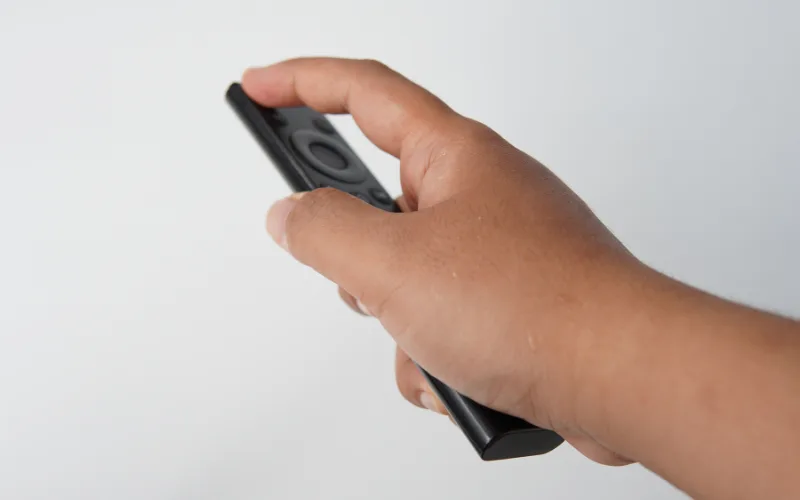
Checking a Smart TV remote's infrared sensor with a smartphone camera before calling for LG TV repair in Hyderabad.
android tv repair in hyderabad, Haier TV repair in Hyderabad, Hyderabad tv repair, LED TV Repair Hyderabad, LG TV Repair in Hyderabad, MI TV Repaiar, OnePlus TV repair in Hyderabad, Philips tv repair in hyderabad, Samsung TV Repair, smart tv repair hyderabad, Sony TV Repair in Hyderabad, tv repair in hyderabad

How to Fix a TV Remote That Stopped Working

How to Fix a TV Remote That Stopped Working Is It the Remote or the TV? When your TV stops responding to the remote, the first instinct is to smack it or change the batteries. If fresh batteries don’t work, here is how to find the real problem.   The Smartphone Camera Trick Point your infrared (IR) remote at your smartphone’s camera and press a button. If you see a purple light on your phone screen, the remote is sending a signal. This means the IR receiver inside your TV is broken.   Bluetooth Remote Resets Modern Smart TV remotes use Bluetooth. Sometimes they simply unpair. Hold down the “Return” and “Play/Pause” buttons simultaneously for 5 seconds to force a re-pairing.   If the TV’s internal sensor is damaged, we can replace it quickly. From Samsung TV repair in hyderabad to MI TV repair in hyderabad, our doorstep technicians carry exact replacement sensors for immediate fixes.

LED TV screen displaying a flickering and distorted image, a hardware problem resolved by LED TV repair services in Hyderabad.
android tv repair in hyderabad, Haier TV repair in Hyderabad, Hyderabad tv repair, LED TV Repair Hyderabad, LG TV Repair in Hyderabad, MI TV Repaiar, OnePlus TV repair in Hyderabad, Philips tv repair in hyderabad, Samsung TV Repair, smart tv repair hyderabad, Sony TV Repair in Hyderabad, tv repair in hyderabad

Flickering TV Screen: Is It a Loose Cable or a Failing Display?

Flickering TV Screen: Is It a Loose Cable or a Failing Display? Diagnosing the Flicker A blinking or strobe-light effect on your TV is not just annoying; it can cause headaches and eye strain. The root cause usually falls into one of two categories: external connections or internal hardware.   Step 1: Check the Inputs A degraded HDMI cable is often the culprit. Try swapping the cable and plugging it into a different HDMI port. If the flickering stops, the TV is fine.   Step 2: Internal Hardware Issues If the TV flickers even on the main menu without any cables attached, you are likely dealing with a failing T-Con board or dying LED backlights. Don’t ignore a flicker, as it can escalate into a complete blackout. Call our LED tv repair services in hyderabad for a swift diagnosis. Rated as the Best tv repair in hyderabad, we ensure your viewing experience remains smooth and safe.

Call Us Now
WhatsApp
Scroll to Top