
Screen Mirroring and Chromecast Not Working on Your Smart TV?
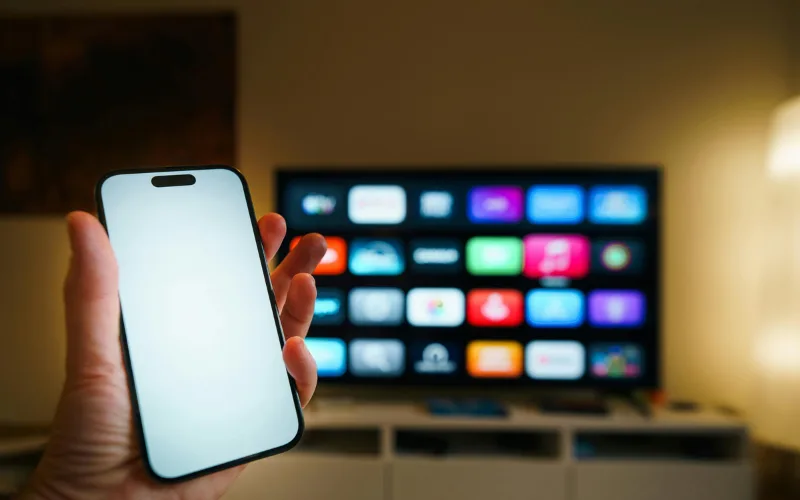
The Disconnect Between Phone and TV Sharing vacation photos or a YouTube video from your smartphone to your big screen should be seamless. But often, the TV simply doesn’t show up in your phone’s casting list, or the connection drops after just a few seconds.
Troubleshooting Wireless Casting
Network Unity: Ensure both your smartphone and the TV are connected to the exact same Wi-Fi band (e.g., both on 5GHz, not one on 2.4GHz and the other on 5GHz).
Update Casting Apps: On Android TVs, go to the Google Play Store and ensure “Android System WebView” and “Chromecast built-in” are fully updated.
Router Reboot: Sometimes the router’s IP assignment gets confused. Restarting your router can instantly fix casting visibility.
If your TV frequently drops Wi-Fi signals altogether, the internal Wi-Fi/Bluetooth combo module may be failing. For advanced network diagnostics, rely on our LED tv repair services in hyderabad to keep your home fully connected.