Vee Techno Electronics – TV Repair Service Hyderabad

LED TV Repair Hyderabad

Hyderabad tv repair, LED TV Repair Hyderabad, Samsung TV Repair, tv repair in hyderabad

Samsung TV Screen Keeps Going Dark? Causes, Fixes & Repair Cost in Hyderabad

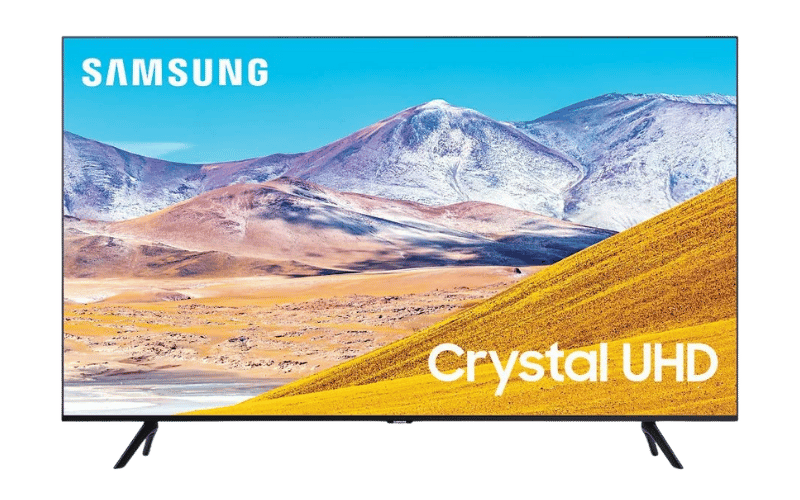
Samsung TV Screen Keeps Going Dark? Causes, Fixes & Repair Cost in Hyderabad Quick Answer If your Samsung TV screen suddenly becomes dark or keeps dimming automatically, the problem is usually caused by either Eco Mode settings or failing LED backlights. If the screen becomes darker on one side or brightness fluctuates randomly, the LED strips or LED driver board may need repair. Why Samsung TVs Suddenly Become Dim One of the most common complaints we receive from Hyderabad customers is: “Samsung TV brightness keeps changing” “Samsung TV screen became dark suddenly” “Half screen darker than other side” “Samsung TV automatically dimming” In many Hyderabad apartments, voltage fluctuations and heavy daily usage accelerate LED wear, especially in Samsung Crystal UHD and older Smart TV models. First Check: Samsung Eco Mode Settings Before assuming hardware damage, check whether your TV is automatically adjusting brightness. Go to: Settings → General → Eco Solution → Ambient Light Detection Turn OFF: Ambient Light Detection Brightness Optimization Energy Saving Mode Many users mistake this feature for a screen defect. Signs Your Samsung TV Has a Hardware Problem If Eco Mode is already disabled and the issue continues, your TV likely has failing LED backlights. Common symptoms: Screen becomes dark after 10–20 minutes Half screen looks dim Brightness flickers randomly Audio works but picture becomes very dark TV heats up near the bottom panel Our technicians frequently see this issue in: Samsung Crystal 4K series Samsung AU7700 Samsung TU series TVs Especially after 2–3 years of heavy daily use. What Actually Fails Inside the TV? Behind the display panel are multiple LED strips that provide brightness. Over time: LEDs weaken from heat diffuser lenses burn LED driver IC overheats power delivery becomes unstable This causes the TV to reduce brightness automatically to protect the motherboard. Can This Samsung TV Problem Be Repaired? Problem Repairable? Auto brightness issue Yes Half screen dark Yes LED backlight failure Yes Motherboard dimming issue Yes Cracked screen Usually No Approximate Samsung TV Repair Cost in Hyderabad Issue Estimated Cost LED backlight replacement ₹1800 – ₹4500 LED driver repair ₹1500 – ₹3500 Motherboard repair ₹2500 – ₹6000 Costs depend on: screen size model series panel condition Important Warning Do NOT continue using the TV if: brightness fluctuates heavily screen becomes extremely hot half display turns black This can overload the power board and damage additional components. Why Hyderabad Homes Commonly Face This Issue In Hyderabad, we frequently notice: inverter switching fluctuations unstable apartment power supply poor ventilation around wall-mounted TVs These conditions speed up LED deterioration. FAQs Why does my Samsung TV become dark suddenly? Usually due to Eco Mode settings or failing LED backlights. Can LED backlights be replaced? Yes. In most cases, LED strips can be replaced without changing the entire panel. Why is one side of my Samsung TV darker? This usually means a section of the LED strip has failed. How long does Samsung LED backlight repair take? Most repairs are completed within 1 day depending on spare availability. Is this issue common in Samsung Smart TVs? Yes. We frequently see this in Crystal UHD and older Samsung LED models. For professional diagnosis and doorstep Samsung TV repair in Hyderabad, our technicians handle LED backlight, motherboard, and display-related issues across all Samsung Smart TV models.

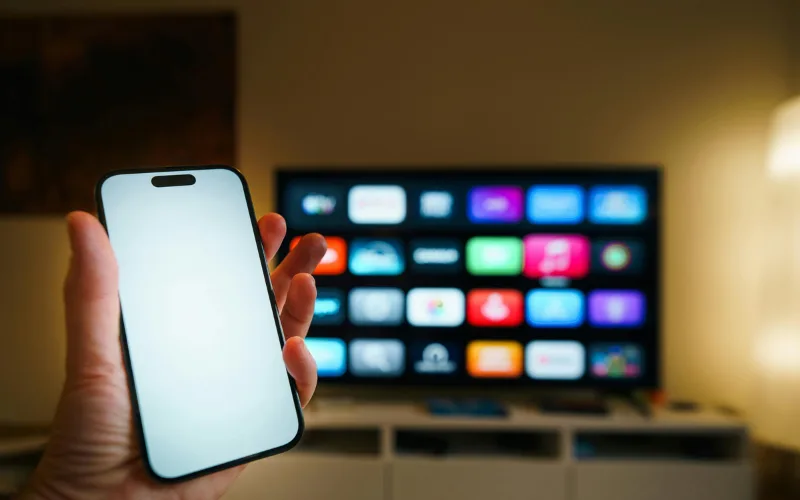
Smartphone failing to cast to a Smart TV due to Wi-Fi connection issues, diagnosed by LED TV repair services in Hyderabad.
android tv repair in hyderabad, Haier TV repair in Hyderabad, Hyderabad tv repair, LED TV Repair Hyderabad, LG TV Repair in Hyderabad, MI TV Repaiar, OnePlus TV repair in Hyderabad, Philips tv repair in hyderabad, Samsung TV Repair, smart tv repair hyderabad, Sony TV Repair in Hyderabad, tv motherboard repair in hyderabad, tv repair in hyderabad

Screen Mirroring and Chromecast Not Working on Your Smart TV?

Screen Mirroring and Chromecast Not Working on Your Smart TV? The Disconnect Between Phone and TV Sharing vacation photos or a YouTube video from your smartphone to your big screen should be seamless. But often, the TV simply doesn’t show up in your phone’s casting list, or the connection drops after just a few seconds. Troubleshooting Wireless Casting Network Unity: Ensure both your smartphone and the TV are connected to the exact same Wi-Fi band (e.g., both on 5GHz, not one on 2.4GHz and the other on 5GHz). Update Casting Apps: On Android TVs, go to the Google Play Store and ensure “Android System WebView” and “Chromecast built-in” are fully updated. Router Reboot: Sometimes the router’s IP assignment gets confused. Restarting your router can instantly fix casting visibility. If your TV frequently drops Wi-Fi signals altogether, the internal Wi-Fi/Bluetooth combo module may be failing. For advanced network diagnostics, rely on our LED tv repair services in hyderabad to keep your home fully connected.

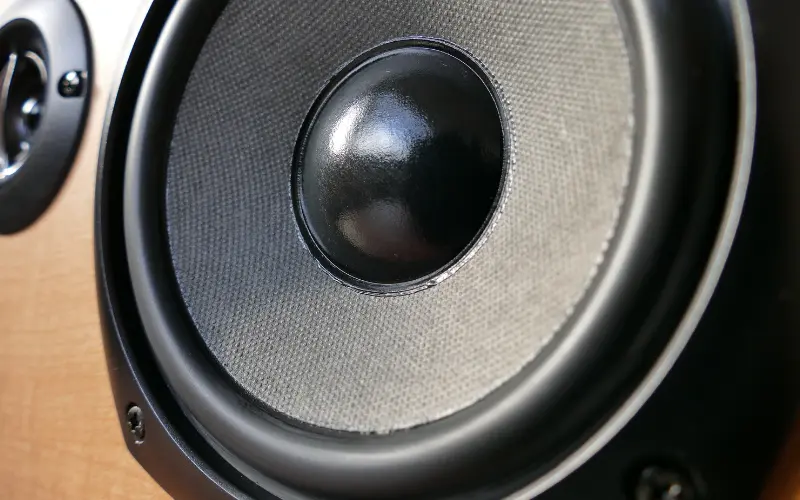
Close-up of a damaged internal TV speaker causing crackling audio, replaced during an affordable TV repair in Hyderabad.
android tv repair in hyderabad, Haier TV repair in Hyderabad, Hyderabad tv repair, LED TV Repair Hyderabad, LG TV Repair in Hyderabad, MI TV Repaiar, OnePlus TV repair in Hyderabad, Philips tv repair in hyderabad, Samsung TV Repair, smart tv repair hyderabad, Sony TV Repair in Hyderabad, tv repair in hyderabad

TV Speakers Crackling or Buzzing at High Volumes? Here is the Fix

TV Speakers Crackling or Buzzing at High Volumes? Here is the Fix The Sacrifice for Slim Designs Modern televisions are incredibly thin, which means there is very little physical space for high-quality audio drivers. Manufacturers use tiny, downward-firing speakers that are easily pushed to their absolute limits.   Why Your Audio Sounds Distorted If you hear a harsh buzzing or crackling noise—especially during deep bass sounds or loud action scenes—the physical cone inside the speaker has likely torn or detached from its housing. This usually happens if you frequently listen to music or movies at maximum volume without an external soundbar.   The Repair Process Blown TV speakers cannot be “glued” back together; they must be replaced as a modular unit. Fortunately, this is one of the most cost-effective hardware fixes available. If you want crystal clear dialogue without buying an expensive home theater system, contact us for Affordable tv repair in hyderabad and we will install brand-new acoustic drivers at your doorstep.

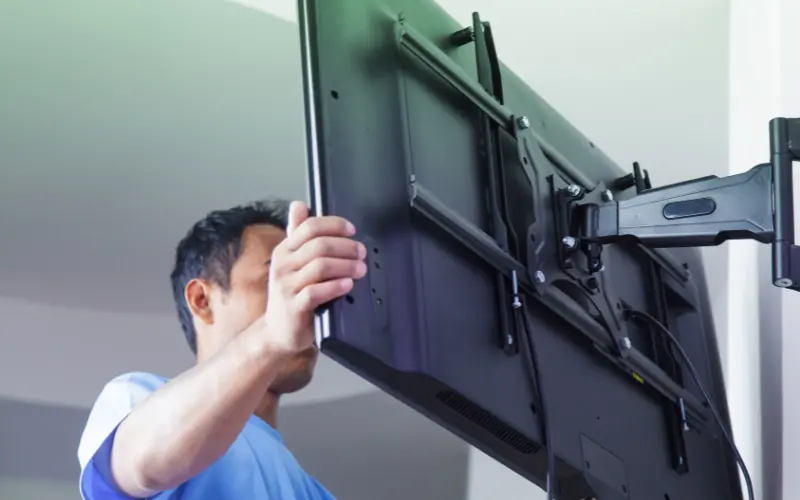
Proper installation of a heavy-duty wall mount bracket to prevent screen damage, advised by the best TV repair in Hyderabad.
android tv repair in hyderabad, Haier TV repair in Hyderabad, Hyderabad tv repair, LED TV Repair Hyderabad, LG TV Repair in Hyderabad, MI TV Repaiar, OnePlus TV repair in Hyderabad, Philips tv repair in hyderabad, Samsung TV Repair, smart tv repair hyderabad, Sony TV Repair in Hyderabad, tv repair in hyderabad

Are You Damaging Your TV Without Knowing It? The Risks of Bad Wall Mounting

Are You Damaging Your TV Without Knowing It? The Risks of Bad Wall Mounting The Invisible Stress on Your Screen Wall-mounting a massive 65-inch flat screen saves space and looks elegant. However, if the installation is done incorrectly using cheap brackets or unlevel drilling, it puts immense physical stress on the ultra-thin plastic frame of the TV. How Bad Mounting Destroys TVs Frame Warping: If the wall isn’t perfectly flat or the screws are overtightened on one side, the TV frame bends slightly. Over weeks, this tension can cause the internal glass panel to crack spontaneously. Heat Trapping: Mounting a TV perfectly flush against a wall blocks the rear ventilation grates, leading to severe motherboard overheating. Always use heavy-duty, VESA-compliant mounts and leave at least two inches of breathing room behind the unit. If you’ve noticed bright white spots in the corners of your screen (a sign of frame pressure), you need an expert assessment. Call the Best tv repair in hyderabad for a structural and hardware checkup today.

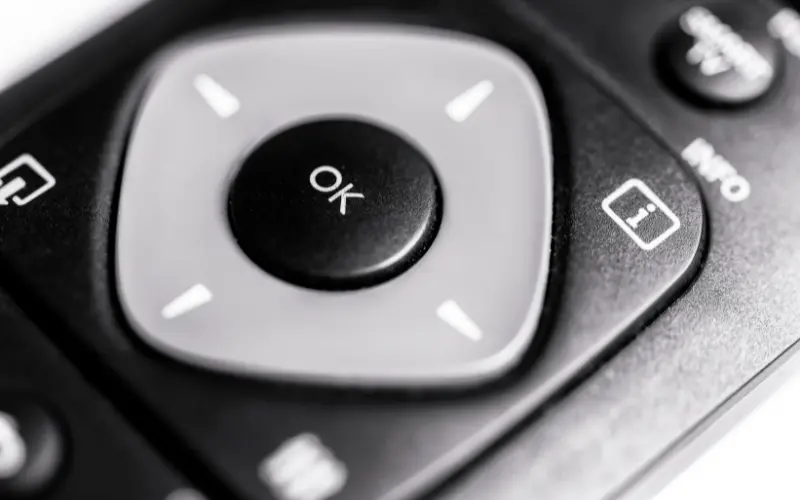
User holding an LG Magic remote pointing at a screen with a missing cursor, a software issue solved by LG TV repair in Hyderabad.
android tv repair in hyderabad, Hyderabad tv repair, LED TV Repair Hyderabad, LG TV Repair in Hyderabad, tv repair in hyderabad

LG Magic Remote Cursor Not Showing? Quick Fixes You Can Try

LG Magic Remote Cursor Not Showing? Quick Fixes You Can Try Where Did the Pointer Go? The LG Magic Remote is famous for its on-screen cursor that acts like a computer mouse. But what happens when you shake the remote and the pointer simply refuses to appear on your WebOS screen? Quick Troubleshooting Steps The Battery Check: The gyroscope and Bluetooth features drain batteries faster than standard remotes. Always try fresh alkaline batteries first. The Un-pair and Re-pair Trick: Press and hold the “Home” and “Back” buttons together for 5 seconds until the power button flashes. Then, press the scroll wheel down to register the remote again. Clear the Area: Wi-Fi routers placed directly next to the TV can cause signal interference with the remote’s Bluetooth connection. If the remote registers but the cursor drifts wildly or doesn’t move, the internal gyroscope is likely broken from being dropped. If your TV’s Bluetooth module itself is failing, reach out for professional LG Tv repair in hyderabad to get your seamless browsing experience back.

Samsung Smart TV stuck on the startup logo in a continuous boot loop, diagnosed by Samsung TV repair in Hyderabad.
Hyderabad tv repair, LED TV Repair Hyderabad, Samsung TV Repair, tv repair in hyderabad

Samsung TV Turning On and Off Repeatedly? The “Boot Loop” Explained

Samsung TV Turning On and Off Repeatedly? The “Boot Loop” Explained The Frustrating “Click of Death” You sit down to watch a movie, press the power button, the Samsung logo appears, you hear a “click,” and the TV shuts down—only to turn itself back on and do it all over again. This endless cycle is known in the repair industry as a “boot loop.” Why Does This Happen? Failing Capacitors: Over time, the capacitors on the power supply board can bulge and leak. They fail to hold enough charge to boot the screen fully. Corrupted Mainboard Firmware: A recent background update may have failed, corrupting the TV’s operating system. Short-Circuited Screen Panel: If the actual display panel has a microscopic short, the TV detects the power surge and immediately shuts off to prevent a fire. How to Break the Loop First, try unplugging the TV from the wall for 10 minutes to drain residual power. If it still loops, hardware replacement is necessary. For fast, reliable Samsung TV repair in hyderabad, our technicians carry genuine power boards and diagnostic tools to stop the boot loop permanently.

Experienced technician evaluating an older Smart TV motherboard to provide affordable TV repair in Hyderabad.
android tv repair in hyderabad, Haier TV repair in Hyderabad, Hyderabad tv repair, LED TV Repair Hyderabad, LG TV Repair in Hyderabad, MI TV Repaiar, OnePlus TV repair in Hyderabad, Philips tv repair in hyderabad, Samsung TV Repair, smart tv repair hyderabad, Sony TV Repair in Hyderabad, tv motherboard repair in hyderabad, tv repair in hyderabad

Upgrading vs. Repairing: When is Your Old TV Worth Saving?

Upgrading vs. Repairing: When is Your Old TV Worth Saving? The Ultimate Dilemma When a television breaks down, consumers immediately wonder: “Is the repair cost worth it, or should I just buy a new smart TV?” When to Repair Your TV The TV is less than 5 years old. It is a high-end OLED or QLED model where the repair cost is less than 30% of a replacement. The issue is minor, such as a faulty Wi-Fi module, blown speaker, or dead power supply board. When to Upgrade The screen panel is physically cracked (panel replacements often cost as much as a new TV). The TV is over 8 years old and no longer supports modern streaming apps. Make an informed financial decision. Reach out for an honest quote from our Affordable tv repair in hyderabad team. We pride ourselves on transparent assessments, which is why locals trust us for all their Led tv repair in hyderabad needs.

Television displaying colorful vertical and horizontal lines, indicating a faulty T-Con board fixed by OnePlus TV repair in Hyderabad.
android tv repair in hyderabad, LED TV Repair Hyderabad, tv motherboard repair in hyderabad, tv repair in hyderabad

Vertical and Horizontal Lines on Your Screen: What Do They Mean?

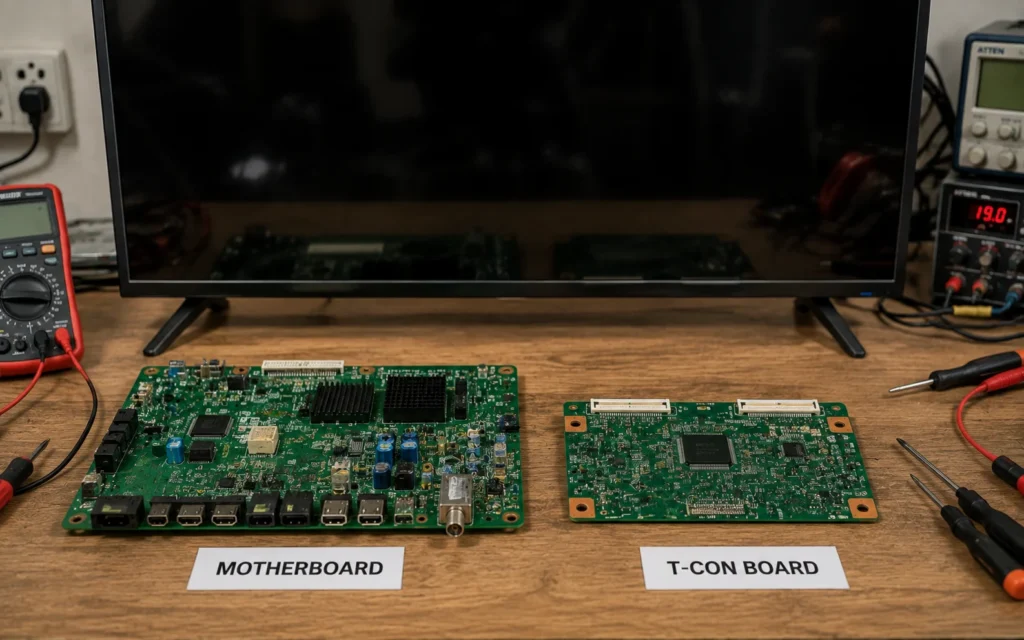
Vertical and Horizontal Lines on Your Screen: What Do They Mean? Decoding the Lines Suddenly seeing a grid of colorful vertical or horizontal lines over your favorite show is a common panic moment for TV owners. Horizontal vs. Vertical Lines Vertical Lines: Often caused by a loose connection between the T-Con board and the LCD panel, or a failing COF (Chip-on-Film). Sometimes, a simple reseating of the ribbon cables can fix this. Horizontal Lines: These are usually more serious and point to physical damage to the panel itself or extreme overheating. Can It Be Fixed? Using advanced panel bonding machines, many line issues can be resolved without replacing the whole screen. If you own a premium model and need LG Tv repair in hyderabad or OnePlus tv repair in hyderabad, let our experts evaluate the panel. We are recognized as the Best tv repair services in hyderabad for complex screen diagnostics.

Checking a Smart TV remote's infrared sensor with a smartphone camera before calling for LG TV repair in Hyderabad.
android tv repair in hyderabad, Haier TV repair in Hyderabad, Hyderabad tv repair, LED TV Repair Hyderabad, LG TV Repair in Hyderabad, MI TV Repaiar, OnePlus TV repair in Hyderabad, Philips tv repair in hyderabad, Samsung TV Repair, smart tv repair hyderabad, Sony TV Repair in Hyderabad, tv repair in hyderabad

How to Fix a TV Remote That Stopped Working

How to Fix a TV Remote That Stopped Working Is It the Remote or the TV? When your TV stops responding to the remote, the first instinct is to smack it or change the batteries. If fresh batteries don’t work, here is how to find the real problem.   The Smartphone Camera Trick Point your infrared (IR) remote at your smartphone’s camera and press a button. If you see a purple light on your phone screen, the remote is sending a signal. This means the IR receiver inside your TV is broken.   Bluetooth Remote Resets Modern Smart TV remotes use Bluetooth. Sometimes they simply unpair. Hold down the “Return” and “Play/Pause” buttons simultaneously for 5 seconds to force a re-pairing.   If the TV’s internal sensor is damaged, we can replace it quickly. From Samsung TV repair in hyderabad to MI TV repair in hyderabad, our doorstep technicians carry exact replacement sensors for immediate fixes.

LED TV screen displaying a flickering and distorted image, a hardware problem resolved by LED TV repair services in Hyderabad.
android tv repair in hyderabad, Haier TV repair in Hyderabad, Hyderabad tv repair, LED TV Repair Hyderabad, LG TV Repair in Hyderabad, MI TV Repaiar, OnePlus TV repair in Hyderabad, Philips tv repair in hyderabad, Samsung TV Repair, smart tv repair hyderabad, Sony TV Repair in Hyderabad, tv repair in hyderabad

Flickering TV Screen: Is It a Loose Cable or a Failing Display?

Flickering TV Screen: Is It a Loose Cable or a Failing Display? Diagnosing the Flicker A blinking or strobe-light effect on your TV is not just annoying; it can cause headaches and eye strain. The root cause usually falls into one of two categories: external connections or internal hardware.   Step 1: Check the Inputs A degraded HDMI cable is often the culprit. Try swapping the cable and plugging it into a different HDMI port. If the flickering stops, the TV is fine.   Step 2: Internal Hardware Issues If the TV flickers even on the main menu without any cables attached, you are likely dealing with a failing T-Con board or dying LED backlights. Don’t ignore a flicker, as it can escalate into a complete blackout. Call our LED tv repair services in hyderabad for a swift diagnosis. Rated as the Best tv repair in hyderabad, we ensure your viewing experience remains smooth and safe.

Call Us Now
WhatsApp
Scroll to Top