Vee Techno Electronics – TV Repair Service Hyderabad

smart tv repair hyderabad

android tv repair in hyderabad, Hyderabad tv repair, LED TV Repair Hyderabad, smart tv repair hyderabad, tv repair in hyderabad

Inside a TV Technician’s Toolkit: How Hyderabad’s Top Technicians Actually Diagnose a TV

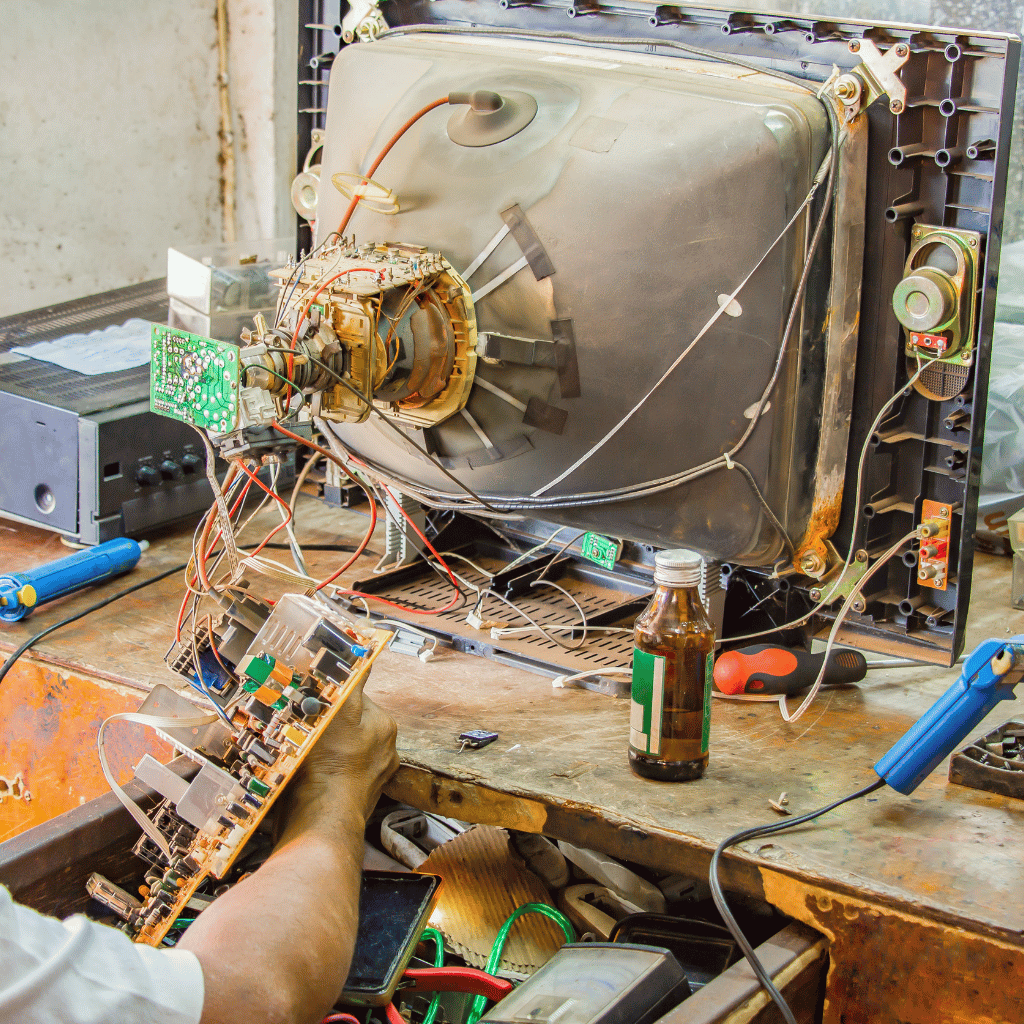
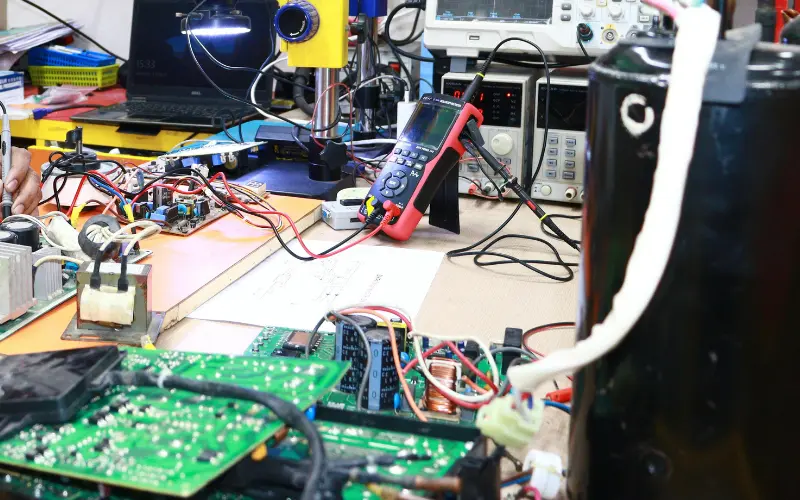
Inside a TV Technician’s Toolkit: How Hyderabad’s Top Technicians Actually Diagnose a TV Most customers think TV repair is guesswork.It is not. A trained TV technician follows a structured diagnostic workflow that eliminates 90% of guess-based repairs. This blog gives you an insider view of how top technicians in Hyderabad diagnose: • Samsung• Sony• LG• Mi• OnePlus• TCL / Hisense• Haier 1. Physical Inspection — The Clues Customers Don’t See A technician can diagnose 30% of issues visually: • Burn marks• Loose COF bonding• Backlight leakage• Moisture entry• Rusted connectors• Bulged capacitors Without touching a tool, a trained eye identifies early clues. 2. Voltage Rail Mapping — The Heart of Real Diagnosis Every TV has primary voltage lines: 12V (panel supply)5V (motherboard logic)3.3V (T-Con control)1.8V (memory circuits)24V (backlight driver) A trained technician measures each using: • Multimeter• Oscilloscope (premium shops)• Thermal camera (for hotspot mapping) One incorrect rail can cause: • No power• No picture• Lines• Boot loops• HDMI failure Voltage mapping is what most roadside technicians skip. 3. T-Con Testing — The Most Misunderstood Step T-Con is responsible for: • Gate driver signals• Timing control• Pixel mapping A technician checks: • VGH / VGL• AVDD• VCOM• Panel test points• COF heating• Ribbon response If even one value is off, the result is: • Flickering• Lines• Half screen• No picture 4. Panel Isolation — The Step That Saves Customers Thousands Top Hyderabad tv technicians detach the panel from the T-Con and test separately. Why? Because this isolates: • Panel bonding faults• Driver IC damage• Gate driver corruption This step tells whether a panel is truly dead. 87% of shops in Hyderabad don’t perform this test — which leads to fake “panel gone” diagnoses. 5. Backlight Load Testing Using LED testers, technicians simulate actual LED load. Findings from testing: • One weak LED can reduce full brightness• Duplicate strips fail load test• Driver IC overstressing backlight This identifies the real cause instead of simply replacing strips. 6. HDMI and WiFi Circuit Diagnosis HDMI issues are tested with: • EDID data check• Port continuity• IC temperature• Signal integrity test WiFi issues are checked with: • Antenna output• Voltage stability• Module short tests 7. eMMC Storage Testing — The Real Reason Smart TVs Slow Down Android and WebOS TVs rely heavily on flash memory. Signs of failing eMMC: • Slow OS• Apps freezing• Boot loops• Factory reset failing Technicians test: • Read/write speeds• Voltage drop• Heat under load If eMMC is weak, firmware reinstall alone won’t fix the issue. Conclusion TV repair is a science, not guesswork.When done properly—with voltage mapping, panel isolation, and chip-level diagnostics—TVs can be repaired accurately without unnecessary part replacements.

android tv repair in hyderabad, Hyderabad tv repair, LED TV Repair Hyderabad, LG TV Repair in Hyderabad, MI TV Repaiar, Samsung TV Repair, smart tv repair hyderabad, Sony TV Repair in Hyderabad, tv repair in hyderabad

TV Repair Cost in Hyderabad 2025 — Samsung vs Sony vs LG vs Mi

TV Repair Cost in Hyderabad 2025 — Samsung vs Sony vs LG vs Mi TV repair cost varies by brand, size, and fault type. This guide provides 2025 repair pricing for Samsung, Sony, LG, Mi, OnePlus, and TCL TVs. Samsung TV Repair Cost T-Con: 1500 – 3500Backlight: 2000 – 4500Motherboard: 1800 – 4000 Sony TV Repair Cost T-Con: 1500 – 3000Backlight: 1800 – 4000Motherboard: 1800 – 4500 LG TV Repair Cost T-Con: 1200 – 2500Backlight: 1500 – 3500Motherboard: 1500 – 3500 Mi TV Repair Cost Backlight: 800 – 2500Motherboard: 1200 – 2500Boot loop: 800 – 1500 OnePlus TV Repair Cost T-Con: 1200 – 2500Backlight: 1500 – 3500Remote pairing: 300 – 800 Budget TV Brands (TCL / Hisense / Kodak) T-Con: 800 – 1800Backlight: 800 – 2500Motherboard: 1200 – 3000 Contact us for the most accurate and transparent TV repair cost estimate in Hyderabad.

android tv repair in hyderabad, smart tv repair hyderabad

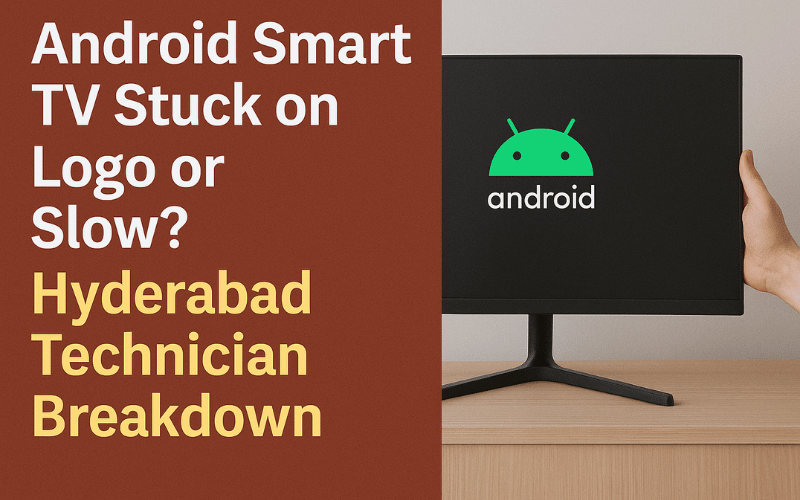
Android Smart TV Stuck on Logo or Slow? Hyderabad Technician Breakdown

Android Smart TV Stuck on Logo or Slow? Hyderabad Technician Breakdown Android Smart TVs from brands like Sony, Mi, OnePlus, Vu, Realme, Hisense, TCL, and others are widely used across Hyderabad. While they offer great performance and app support, they often face software and motherboard-related issues such as slow performance, app crashes, frozen screens, or getting stuck on the boot logo. These problems usually require expert-level repair rather than basic troubleshooting. This guide explains why Android TVs get stuck on the logo, what causes lag or freezing, and how our technicians repair these issues quickly and professionally. 1. Android TV Stuck on Boot Logo The most common issue Android TV users face is the TV getting stuck on the startup logo and not proceeding further. Causes:Corrupted firmwareFailed system updateDamaged eMMC storageShort circuits on the motherboardApp data corruption Repair Steps:Flash the correct firmwareRepair or replace damaged ICsClean corrupted system filesTest motherboard voltage rails Most boot-loop problems can be repaired the same day. 2. Android TV Restarting Repeatedly If your Android TV keeps restarting, the root cause is usually related to hardware or software communication issues. Possible Reasons:Power supply fluctuationsDefective motherboard componentsCorrupted system cacheOverheating Fix:Chip-level correctionPower board testingFirmware refreshInternal component cleaning 3. Android TV Slow, Lagging, or Freezing A slow Smart TV experience often indicates deeper system problems. Common Causes:Insufficient storageToo many background appsFaulty RAM or processor ICCorrupted Android system filesOverloaded cache Repair Method:System cleanup and optimizationChip-level repair for memory ICsFirmware installationCache clearing 4. Android TV Apps Not Opening or Crashing Apps might suddenly stop working or refuse to open due to: Software conflictsOlder firmwareDamaged app dataCorrupted Google Play services Technician Fix:Update or reinstall affected appsReinstall Google Play servicesFirmware reinstallation if needed 5. Android TV Not Connecting to WiFi WiFi issues affect many Android TV models. Reasons:Defective WiFi moduleMainboard communication failureSoftware mismatchMAC address corruption Fix Includes:WiFi module repair or replacementNetwork configuration resetChip-level motherboard repair 6. Remote Not Responding or Delayed Input Android TV remotes often use Bluetooth and IR. Causes:Bluetooth driver malfunctionFaulty IR sensorSoftware freezeRemote IC damage We test remote communication and repair the sensor if required. Android TV Repair Cost in Hyderabad Boot loop repair: 1200 – 2500Firmware installation: 500 – 1200Motherboard repair: 1500 – 3500WiFi repair: 800 – 1500App crash/software fix: 500 – 900Slow performance repair: 600 – 1200 Pricing depends on brand, model, and fault type. Real Case Study – Mi 43-Inch Android TV Boot Loop Complaint: Stuck on Mi boot logoDiagnosis: Corrupted firmware and failing eMMC storageRepair: Reinstalled firmware and repaired eMMCTime: 60 minutesResult: TV booted normally with smooth performance This demonstrates how software and chip-level work restore Android TVs. Why Choose Professional Android TV Repair in Hyderabad Expert Android TV software and hardware techniciansSame-day doorstep repairOriginal and high-grade replacement componentsAdvanced diagnostic toolsWarranty on repairsAffordable pricing and transparent service Android TV issues require precise repair to avoid motherboard or panel damage. How to Avoid Boot Loop and Slowing Problems Keep software updatedRestart TV weekly to clear cacheDo not install unverified third-party appsMaintain good ventilationAvoid frequent forced shutdownsEnsure stable power supply Regular maintenance keeps Android TVs running smoothly for years. Frequently Asked Questions Why is my Android TV stuck on the boot logo?It is usually due to firmware corruption or eMMC storage failure. Can boot loop issues be repaired at home?No. Firmware tools and chip-level testing are required. Why is my Android TV slow?Most commonly due to low storage, outdated firmware, or corrupted system files. Do all brands face these issues?Yes. Mi, OnePlus, Sony, TCL, Hisense, and others running Android OS can experience these problems. If your Android TV is stuck on the logo, restarting repeatedly, slow, or freezing, contact us for fast and professional Android Smart TV repair in Hyderabad. Same-day doorstep service is available.

android tv repair in hyderabad, Hyderabad tv repair, LED TV Repair Hyderabad, smart tv repair hyderabad, tv repair in hyderabad

Best TV Repair Service in Hyderabad – 9 Checks Before Booking a Technician

Best TV Repair Service in Hyderabad — 9 Checks Before Booking a Technician Finding a reliable TV repair service in Hyderabad can be difficult, especially with dozens of roadside technicians and service shops offering varying prices and repair quality. Many customers face problems like repeated failures, non-genuine parts, overcharging, or technicians who do not provide proper bills or warranty. To help you choose the right service provider, here are nine professional checks that ensure you select the best TV repair service in Hyderabad. Whether you own a Sony, Samsung, LG, Mi, OnePlus, Philips, or Haier TV, following these checks will help you avoid scams and ensure long-lasting repair quality. 1. Verify Technical Expertise and Experience A reliable TV repair service must have technicians skilled in chip-level repair, T-Con board repair, motherboard service, panel diagnostics, and backlight replacement. Ask how many years of experience they have and whether they specialize in LED, LCD, QLED, OLED, and Smart TVs. 2. Check Customer Reviews and Ratings Reviews provide real user experiences. Look for patterns such as repeated complaints about overcharging, poor-quality repairs, or technicians not returning for warranty support. A professional TV repair service will have consistent positive feedback and transparent communication. 3. Confirm Same-Day Doorstep Service In Hyderabad, most customers prefer doorstep service due to convenience. Ensure the technician offers home visits with proper tools, testing equipment, and replacement parts for quick diagnosis. Same-day service significantly reduces downtime and improves customer satisfaction. 4. Ask About Warranty on Repairs Genuine repair services provide warranty on motherboard repair, backlight replacement, T-Con board repair, and software servicing. Always choose technicians who give written or digital warranty proof. Avoid services that provide verbal warranty only. 5. Check If the Service Uses Genuine or High-Grade Parts Non-genuine parts can cause repeated failures. Ask if the replacement parts used are original, refurbished, or compatible high-grade components. A trustworthy service provider will be transparent about the type of parts used and their expected lifespan. 6. Understand the Pricing Structure The best TV repair service in Hyderabad will offer clear, upfront pricing based on diagnosis. Beware of unusually low estimates that later include hidden charges. Choose technicians who provide a clear quote once the issue is identified and explain the cost difference for repair vs replacement. 7. Evaluate the Diagnostic Process A skilled technician follows a structured diagnostic method, including:Voltage testing on the motherboardBacklight testingPanel ribbon inspectionFirmware checksDisplay isolation testsThis ensures accurate identification of the root cause rather than temporary fixes. 8. Confirm the Service Area Coverage Choose a repair service that covers all major locations in Hyderabad such as Ameerpet, Kukatpally, Madhapur, Kondapur, Gachibowli, Secunderabad, Uppal, LB Nagar, and surrounding areas. Service providers with wider coverage often have better resource availability and faster response times. 9. Look for Professional Communication and Support The best services maintain professionalism through proper appointment scheduling, clear timelines, transparent communication, and post-repair guidance. They also provide invoices and maintain service records for future support. Why Choosing the Right TV Repair Service Matters A TV is an expensive appliance, and incorrect repair can cause permanent damage to the panel or motherboard. By following these nine checks, you can ensure safe, reliable, and long-lasting repair work. Selecting the right technician also reduces repair cost, prevents repeat failures, and ensures a smoother service experience. Frequently Asked Questions What is the average cost of TV repair in Hyderabad?Costs vary depending on the issue. Backlight repair, motherboard repair, and T-Con issues have different pricing structures. Do all technicians offer doorstep service?No. Only professional services with proper tools and experience offer true doorstep repairs. How can I ensure the parts used are genuine?Ask for warranty, packaging details, and part specifications from the service provider. Is it safe to get chip-level TV repair at home?Yes, most repairs can be performed safely at home with proper tools and expertise. If you want the best TV repair service in Hyderabad, choose technicians who offer genuine parts, clear pricing, same-day support, and professional chip-level repair. Contact us today to book a doorstep service appointment.

Call Us Now
WhatsApp
Scroll to Top