
Vee Techno Electronics – TV Repair Service Hyderabad

sony tv repair in hyderabad

sony led tv blinking codes
Sony TV Repair in Hyderabad

Sony Bravia Red Light Blinking Codes Explained: What 2, 4 & 6 Blinks Mean

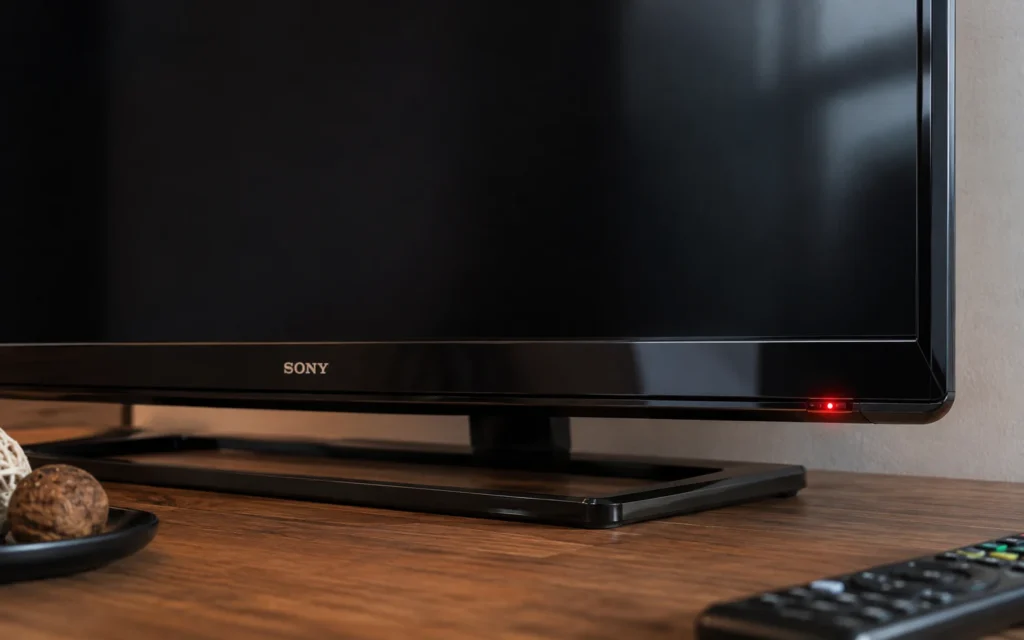
Sony Bravia Red Light Blinking Codes Explained: What 2, 4 & 6 Blinks Mean If your Sony Bravia TV is blinking a red light and the screen is not turning on, the blinking pattern can be an important diagnostic clue. Sony describes repeated red LED blinking as an indication that the TV has detected an issue, and the number of flashes can vary by model. For Hyderabad TV owners, the important point is this: do not assume that every Sony TV uses exactly the same blink-code meaning. Sony’s official guidance says the number of flashes and their meaning can vary by model. So, the safest way to diagnose the problem is to record the blink count and identify the exact TV model before replacing any board or component. If your Sony Bravia is showing 2, 4 or 6 red blinks, this guide explains what the pattern can indicate, what you can safely check at home, and when professional Sony TV repair  Hyderabad is the better option. What Does a Red Blinking Light Mean on a Sony Bravia TV? A repeated red standby-light pattern generally means the TV has detected an abnormal condition. Sony’s support documentation states that red LED blinking on supported models can indicate an issue requiring service. Sony also recommends counting the flashes between pauses because the number is useful when contacting support. For example: 2 blinks → pause → 2 blinks → pause → repeat is different from: 6 blinks → pause → 6 blinks → pause → repeat The pattern should be counted carefully. First, check these things Before assuming that a board has failed: Turn the TV off. Disconnect the AC power. Disconnect external devices such as HDMI devices, USB devices and set-top boxes. Leave the TV disconnected for a short period. Connect it directly to a wall outlet. Try powering it on again. If the red light continues blinking, count the flashes between pauses. Sony’s current troubleshooting guidance also recommends disconnecting connected devices and performing a power reset when the red LED continues blinking. Sony TV 2 Red Blinks: What Does It Mean? A 2-blink code is not a universal diagnosis for every Sony Bravia model. Older Sony service information and repair cases associate particular two-blink patterns with power-related faults, but the exact circuit involved depends on the TV chassis and model. For example, Sony community documentation for a specific older BRAVIA model describes two blinks as a power-related protection condition. Possible areas that a technician may investigate include: Power supply section DC voltage rails Protection circuits Main-board power circuitry A component causing excessive current or abnormal voltage What should you do? Don’t immediately order a replacement power board based only on “2 blinks.” A technician should first identify: Exact Sony model number Chassis/platform Blink pattern Whether the TV attempts to start Whether sound is present Whether the screen flashes briefly Power-supply output conditions This prevents replacing an expensive board when another component is actually responsible. Sony TV 4 Red Blinks: What Does It Mean? Four red blinks can also indicate an internal fault, but the exact meaning varies by Sony model. This is one of the reasons generic online blink-code tables can be misleading. A repair case involving a particular Sony Bravia model associated four blinks with an internal hardware problem, while other Sony chassis can use different diagnostic mappings. Depending on the model, a technician may need to investigate areas such as: Power supply Main board Protection circuitry Backlight-related circuits Temperature or other monitoring circuits So if your Sony Bravia shows: 4 red blinks → pause → 4 red blinks don’t assume that the backlight is automatically defective. The model number matters. Sony TV 6 Red Blinks: Is the Backlight Faulty? Six red blinks are frequently associated with backlight-related problems on certain Sony TV models, but this should still be treated as a model-specific diagnostic clue rather than a universal Sony code. For example, repair documentation for some Sony Bravia models associates six blinks with a backlight error. A technician may therefore inspect: LED backlight strips LED driver circuit Backlight power supply LED connections Protection circuitry However, simply seeing six blinks does not prove that every LED strip in the television needs replacement. Proper diagnosis is important because the same symptom can involve different components depending on the TV model. Sony Bravia Blink Codes Are Model Specific This is the most important part of diagnosing a Sony TV. You may find online charts saying: Red Blinks Possible Problem 2 Power-related fault 4 Internal hardware/protection fault 6 Backlight-related fault These can be useful as general diagnostic clues, but they should not be treated as a universal Sony code chart. Sony itself states that red-light blink counts can vary by model, with supported TVs potentially showing different numbers of flashes. Some Sony help guides simply instruct owners to count the red flashes and provide that number to Sony support rather than assigning one universal meaning to every model. That’s why we recommend giving the technician: Sony model number + number of red blinks + symptom For example: Sony KD-55XXXX — 6 red blinks — no picture. That information can significantly narrow the diagnostic process. What If My Sony TV Is Blinking but It Is Updating? Not every blinking light means hardware failure. Sony notes that some newer TVs can blink their status LED during software updates. During an automatic update, the TV may temporarily remain off or fail to respond normally while the update is being installed. Therefore, if the TV has recently started an update, don’t immediately disconnect the power repeatedly. However, if the red light continues in a repeated error pattern and the TV does not recover, further troubleshooting may be required. Sony TV Red Light Blinking but No Picture If the red light is blinking and the screen remains completely black, check the following: 1. Check the power connection Make sure the power cable is properly connected and the wall outlet is working. 2. Disconnect external devices Remove: HDMI devices
Sony Bravia Android TV stuck on logo screen repair in Hyderabad
Sony TV Repair in Hyderabad, tv repair in hyderabad

Sony Bravia Android TV Stuck on Logo – Fix or Repair? (Hyderabad Guide)

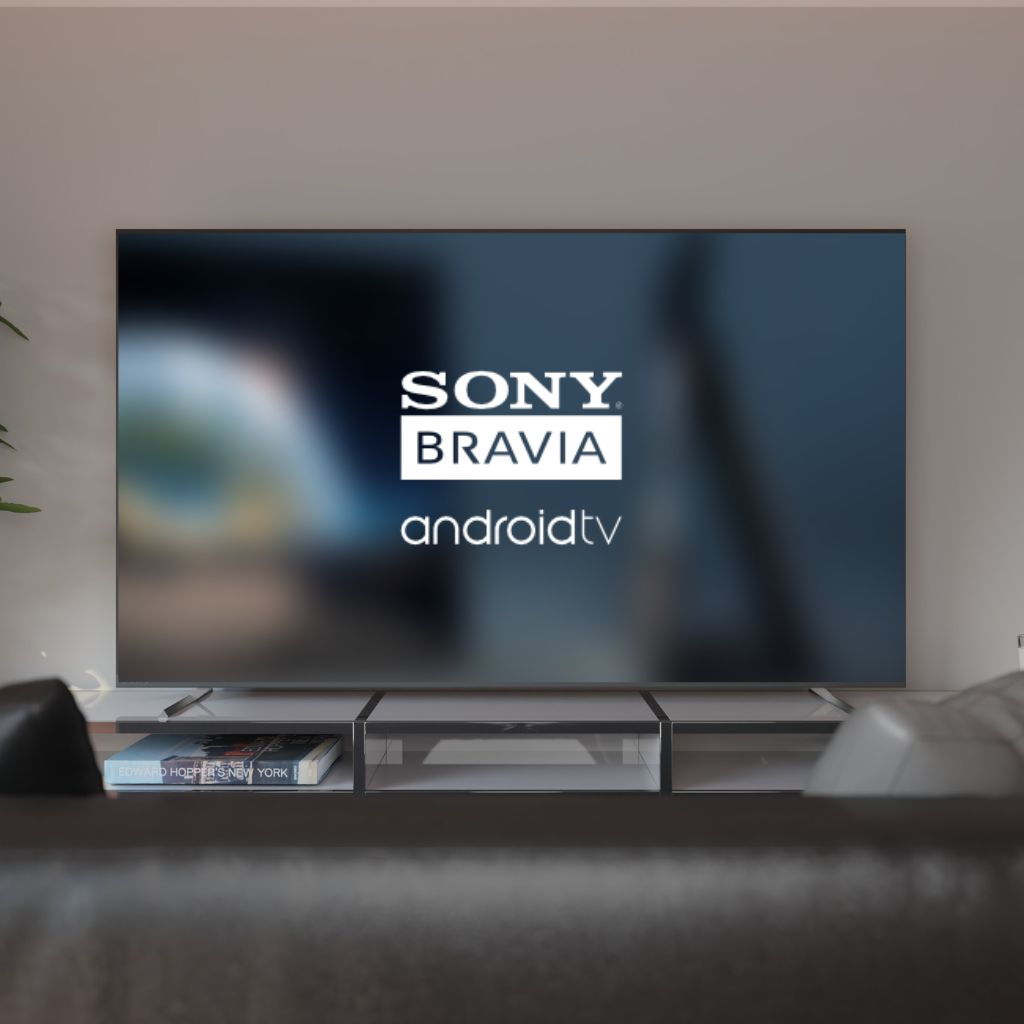
Sony Bravia Android TV Stuck on Logo – Fix or Repair? (Hyderabad Technician Guide) If your Sony Bravia Android TV is stuck on the Sony logo and not loading further, you’re not alone. This is one of the most common Sony TV problems we fix in Hyderabad, especially in Bravia LED and Smart TV models manufactured after 2018. In this guide, we’ll explain: Why the Sony Bravia logo issue happens What you can safely try at home When repair is required Approximate repair cost in Hyderabad Whether fixing it is worth it This advice comes from real technician experience, not generic internet fixes. What Does “Sony Bravia Stuck on Logo” Actually Mean? When a Sony Bravia TV is stuck on the logo, it means the TV powers on but fails during the boot process. Common signs include: Sony logo appears, then freezes TV keeps restarting and shows logo repeatedly Logo stays for several minutes with no response Remote does not work after logo screen This issue is software-related in early stages, but hardware-related if ignored. Common Causes of Sony Bravia TV Logo Problem From our repair records in Hyderabad, the most frequent causes are: 1. Corrupted Android OS Update Sony Android TVs often auto-update. If power cuts or internet drops during the update, the OS gets corrupted. 2. Faulty eMMC / NAND Memory The internal memory chip wears out over time, especially in TVs used 8–12 hours daily. 3. Motherboard Voltage Fluctuations Hyderabad power fluctuations frequently damage IC sections responsible for booting. 4. App Overload or Malware Installing too many third-party apps can overload system resources. Can You Fix a Sony Bravia TV Stuck on Logo at Home? You can safely try only these two steps: Soft Reset Unplug TV from power Wait 10 minutes Plug back and turn on Power Drain Reset Unplug TV Hold power button on TV (not remote) for 30 seconds Reconnect and try Do NOT attempt firmware flashing or factory reset blindly.Wrong steps can permanently damage the motherboard. When Professional Repair Is Required You need professional repair if: Logo issue repeats after reset TV restarts continuously TV freezes after logo every time TV worked briefly after reset, then failed again At this stage, the problem is usually memory IC or motherboard-level, not software alone. This is where a Sony TV repair technician in Hyderabad is required. Sony Bravia TV Logo Problem – Repair Cost in Hyderabad In severe cases, resolving the logo freeze may involve TV motherboard repair in Hyderabad instead of a full replacement.. Approximate repair cost (varies by model): Issue Type Estimated Cost Software reinstallation ₹1,500 – ₹2,500 Memory IC repair ₹3,500 – ₹6,000 Motherboard section repair ₹4,000 – ₹8,000 Full motherboard replacement ₹9,000 – ₹15,000 Tip: Repair is usually worth it if the TV is under 6–7 years old. Is It Worth Repairing or Replacing the TV? If the display panel is healthy, most Sony Bravia issues can be resolved through advanced LED TV repair service in Hyderabad rather than replacing the television. Repair is recommended if: Panel is working fine TV is less than 7 years old Repair cost is under 40% of TV value Replacement is better if: Panel has lines or no display Motherboard + panel both are faulty TV is over 8 years old A technician inspection gives the correct decision, not guesswork. Why Sony Bravia Logo Problems Should Be Fixed Early During professional TV repair service in Hyderabad, we often find that delayed repairs turn a simple software issue into a costly motherboard fault. Ignoring this issue can lead to: Permanent memory chip failure Complete motherboard damage Data corruption beyond recovery Early repair = lower cost + longer TV life. Professional Sony Bravia Repair in Hyderabad At Vee Techno Electronics, we handle: Sony Bravia Android TV boot issues Logo freeze & restart loop problems Software + chip-level motherboard repairs Doorstep inspection across Hyderabad If your Sony Bravia TV is stuck on the logo, it’s best to get it checked before the issue worsens. For expert Sony TV repair service in Hyderabad, contact our technicians for inspection and repair. FAQ SECTION  Q1. Why is my Sony Bravia TV stuck on the logo? Most commonly due to corrupted Android OS, faulty memory chip, or motherboard voltage issues. Q2. Can a Sony Bravia logo problem be fixed without replacing the motherboard? Yes. In many cases, software repair or chip-level repair solves the issue without full replacement. Q3. How long does Sony Bravia logo repair take? Usually 24–48 hours, depending on the fault severity. Q4. Is Sony Bravia logo issue common? Yes, especially in Android-based Bravia models after long usage or failed updates.

Sony TV Repair in Hyderabad

Sony TV Repair in Hyderabad — Common T-Con Board Issues & How We Fix Them

Sony TV Repair in Hyderabad — Common T-Con Board Issues & How We Fix Them Introduction Sony TVs are known for their picture quality, color accuracy, and premium build, but even high-end Sony Bravia and LED models commonly face T-Con board issues. These faults usually appear as lines on the screen, flickering, double images, half displays, or a blank screen with sound.If your Sony TV shows lines, flicker, or no picture but sound, this is often due to T-Con board failure. We offer same-day doorstep Sony TV repair in Hyderabad with expert chip-level technicians who diagnose and fix display issues quickly and professionally. Call us to schedule an instant service visit. What Is a T-Con Board in a Sony TV The T-Con (Timing Control) board controls the timing, pixel output, refresh rate, contrast, and color accuracy of your Sony TV. It acts as a bridge between the main motherboard and the LED/LCD panel. If the T-Con board fails, the panel cannot display proper images, even if the rest of the TV is functioning normally. T-Con issues are often misunderstood as common LED TV problems, but the root cause is different and needs proper testing. Common Symptoms of T-Con Board Failure in Sony TVs Lines appearing on the screenFlickering displayBlack screen with soundHalf-screen visible or distortedWhite or washed-out screenDouble images or ghostingSony logo appears but no picture afterwardBrightness fluctuates automatically These are strong indications that the T-Con board needs repair or replacement. Why Sony TVs Often Face T-Con Issues High refresh rate panels heat up fasterThin ribbon cables become sensitive over timeVoltage fluctuations damage T-Con ICsDust or moisture affects panel connectorsPower surge or unstable electricity supplyPanel driver IC design in Sony models is highly sensitive All these factors make Sony TVs more prone to T-Con related display problems. How We Diagnose T-Con Board Issues in Sony TVs Voltage testing on the T-Con and mainboardLVDS ribbon cable inspectionShort-circuit testing on ICsHeat analysis to check IC stabilityFirmware and motherboard communication checksPanel isolation test to differentiate panel vs T-Con failure Our diagnostic approach ensures accurate fault detection and fast repair. Repair vs Replacement: What Is Better for T-Con Problems Repair is possible whenMinor IC failureVoltage regulator issueRibbon cable loose or oxidizedMoisture damage is limited Replacement is required whenMultiple IC burn marksShort circuits across the boardConnector damagePanel driver signals not responding We always recommend the most cost-effective option based on the TV model and fault condition. Sony TV T-Con Board Repair Cost in Hyderabad Below is an approximate repair cost range: Sony LED TV: 1200 – 2000Sony Full HD TV: 1500 – 2500Sony 4K TV: 2000 – 3500Sony Bravia Smart TV: 1800 – 3000 Cost may vary slightly depending on model, IC availability, and damage level. How Fast Can We Fix a Sony T-Con Board Most T-Con board repairs are completed the same day.Minor IC repairs take 30 to 60 minutes.Complex Sony Bravia models may require additional testing.We provide a warranty on all T-Con repairs and replacements. Real Case Study: Sony Bravia 43-Inch Display Issue Complaint: Constant flickering and random horizontal lines.Diagnosis: T-Con IC overheating causing intermittent voltages.Repair: IC replaced, ribbon cables cleaned, thermal paste applied.Repair Time: 45 minutes.Result: Display restored to full clarity with no flicker. Why Choose Us for Sony TV Repair in Hyderabad Experienced Sony TV chip-level techniciansSame-day doorstep service across HyderabadT-Con IC and board-level repairs for all Sony modelsWarranty on repairs and replacementsTransparent pricing with no hidden chargesGenuine components and professional service process How to Prevent T-Con Issues in Sony TVs Use a voltage stabilizerEnsure proper ventilationAvoid moisture exposureClean dust around the TV regularlyDo not press the TV screenSwitch off the TV during lightning or power fluctuations Following these simple tips increases the lifespan of the T-Con board. Frequently Asked Questions Can T-Con issues be repaired at home?No. T-Con repair requires chip-level tools, testing meters, and technical expertise. Will replacing the T-Con board fix the lines on my Sony TV?In most cases, yes. If the panel is fine, replacing or repairing the T-Con fixes display problems. Is T-Con repair cheaper than panel replacement?Yes. T-Con repair is significantly more affordable and usually resolves the issue without replacing the panel. How do I know if the issue is with the panel and not the T-Con board?A technician performs a test by isolating the board from the panel to confirm the root cause. Need Sony TV repair in Hyderabad? Get fast, affordable, and professional T-Con board repair at your doorstep. Call us today to book a same-day service visit.

Call Us Now
WhatsApp
Scroll to Top