
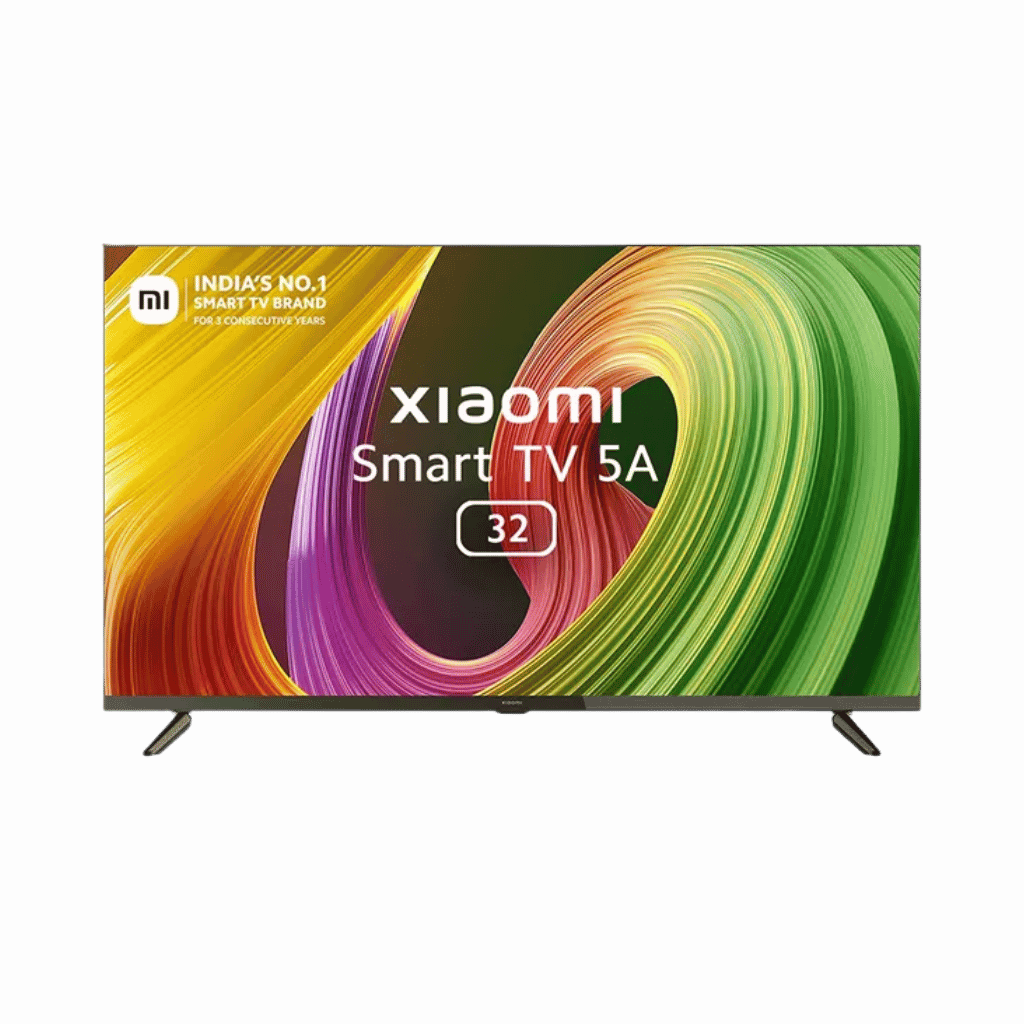
Vee Techno Electronics – TV Repair Service Hyderabad

MI TV Repaiar

MI TV Repaiar

Mi Smart TV “No Signal” Issue Fixed in Hyderabad — Real Case from Vee Techno Electronics

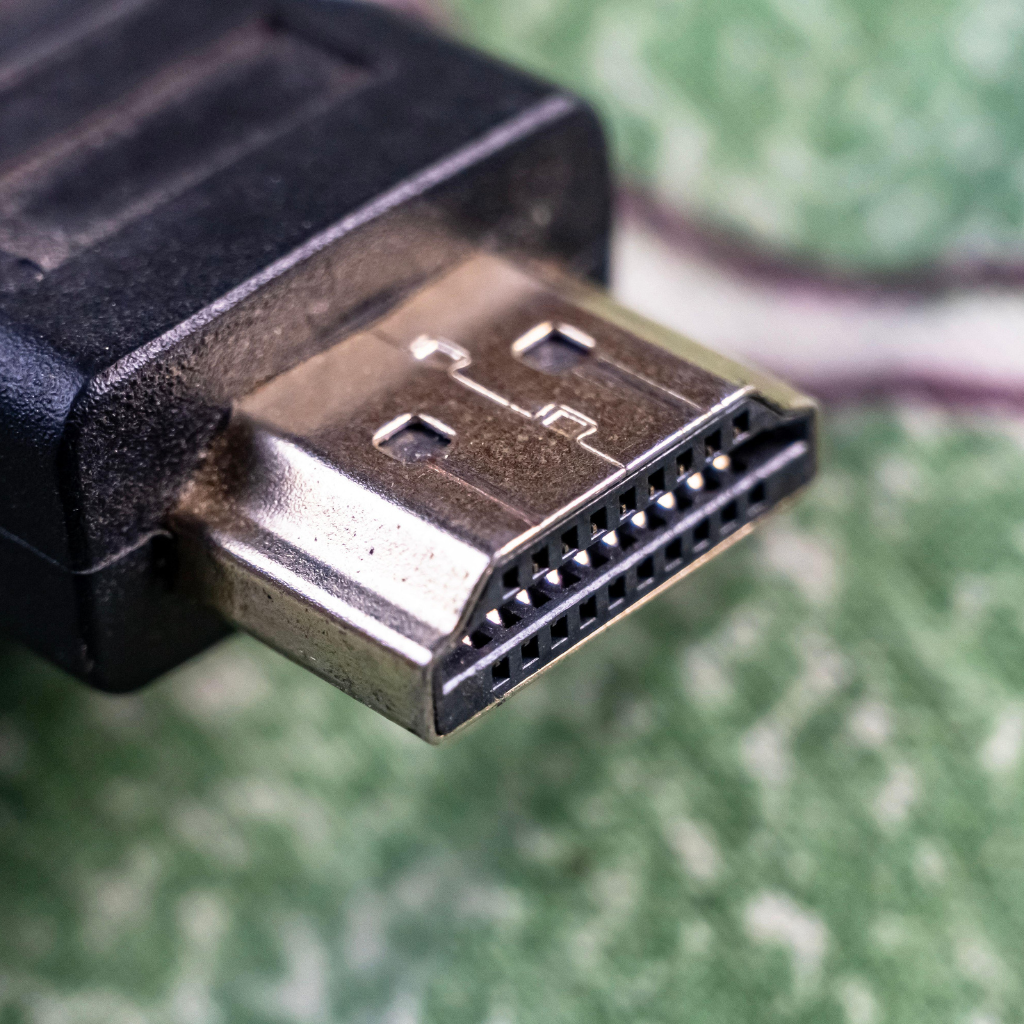
Mi Smart TV “No Signal” Issue Fixed in Hyderabad — Real Case from Vee Techno Electronics Last week, we received a service call from a customer in ECIL, Hyderabad.Their Mi Smart TV kept showing “No Signal” on every HDMI port, even though their set-top box was working fine on another television. This is one of the most frequent problems Mi TV repair in hyderabad that many users face, and it often leads people to think the motherboard has failed.In reality, the cause can be simpler — and fixable on the spot. Step 1 — On-Site Diagnosis Our technician reached the customer’s home within an hour of booking.After checking connections, inputs, and the remote source settings, we found: HDMI ports were not detecting input signals Internal TV software was stuck in standby mode One port had minor physical wear This helped us confirm the issue was partly firmware-related and partly hardware-related. Step 2 — Repair & Resolution We performed the following: Updated Mi TV firmware to the latest Android patch. Cleaned and re-soldered the HDMI connector pins. Tested all input ports using a set-top box and streaming stick. Verified output through AV and USB to confirm stability. The “No Signal” message disappeared immediately, and the customer could switch between HDMI inputs without lag. Step 3 — Preventive Measures We advised the customer to: Avoid hot-plugging HDMI cables while the TV is on. Use branded HDMI cables with gold connectors. Keep firmware updated from the Mi TV settings panel. These small habits prevent signal handshake errors in Smart TVs. Why Mi TVs Commonly Face HDMI or Input Issues After years of repairing Mi TVs across Hyderabad, we’ve noticed a few patterns: HDMI port wear due to frequent cable changes Firmware crashes after updates Power surge effects on the input board Faulty connectors or pins Overheating of signal IC components Most of these faults can be repaired on-site within 60–90 minutes. Why Choose Vee Techno Electronics for Mi TV Repair in Hyderabad Skilled technicians for all Mi and Redmi Smart TV models Doorstep service in ECIL, Kapra, Uppal, and surrounding areas Free on-site diagnosis with approved repair Warranty on replaced parts and service Transparent pricing with no hidden costs We’ve repaired hundreds of Mi Smart TVs in Hyderabad — from HDMI faults to display and sound issues — restoring performance at a fraction of replacement cost. Book Your Mi TV Repair in Hyderabad Today If your Mi TV shows “No Signal” or other input problems, don’t rush to replace it.Call +91 95151 35588 or contact us online.Our technicians will diagnose and fix it at your doorstep.
MI TV Repaiar

HDMI or Inputs Not Working on Mi TV — “No Signal” Issue? What to Try

HDMI or Inputs Not Working on Mi TV — “No Signal” Issue? What to Try If your Mi TV is showing “No Signal” or the HDMI and other input ports aren’t working, it can be frustrating. You might hear sound from other sources, but your HDMI devices like set-top boxes, gaming consoles, or Blu-ray players aren’t recognized. At Veetechno Electronics, we specialize in Mi TV repair in Hyderabad, helping users quickly resolve input and signal issues. In this guide, we’ll explain the common causes, safe troubleshooting steps, and when to call a professional. Common Reasons HDMI / Inputs Fail on Mi TVs 1. Loose or Faulty HDMI Cables A disconnected or damaged HDMI cable is the most common reason for “No Signal.” What to try: Ensure the HDMI cable is firmly connected to both the TV and the device. Test the cable with another device or try a different HDMI port. Replace the cable if it is damaged. 2. Wrong Input Source Selected Sometimes the TV is set to the wrong input, causing a “No Signal” message. Quick check: Press the Input / Source button on the Mi remote. Cycle through HDMI1, HDMI2, AV, or other input options. Ensure the connected device is powered on. 3. Firmware or Software Glitch Mi TVs may occasionally fail to recognize HDMI devices due to software glitches or outdated firmware. Safe solution: Restart your Mi TV by unplugging it for one minute and plugging it back in. Check for firmware updates via Settings → About → System Update. Update the TV software if an update is available. 4. Faulty HDMI Port or Input Board If none of the above steps work, the input board or HDMI port may be damaged. Over time, voltage fluctuations, loose connections, or dust can cause these components to fail. Only a certified technician should handle internal board repairs to avoid further damage. 5. Device-Specific Issues Sometimes the problem is not the TV but the connected device: Check if the device works with another TV. Test a different HDMI device on the Mi TV to isolate the issue. What You Can Safely Try at Home Test each HDMI port with different devices. Check HDMI cables for visible damage. Restart both TV and connected devices. Ensure the TV firmware is updated. Use the TV’s remote to manually select the correct input. If the issue persists, do not open the TV yourself, as the internal circuits can be dangerous. When to Call a Mi TV Repair Technician in Hyderabad Contact a professional if: No HDMI port or input works even after troubleshooting “No Signal” appears for all connected devices Ports are physically damaged or loose Firmware updates do not fix the issue Veetechno Electronics provides Mi TV repair in Hyderabad, handling input board repairs, HDMI port replacement, and software diagnostics with genuine parts. Why Hyderabad Residents Choose Veetechno Electronics Experienced technicians for all Mi TV models Same-day home service across Hyderabad Original spare parts and service warranty Transparent, affordable pricing Repair for LED, Smart, and Mi TVs Whether it’s HDMI, USB, or AV input issues, we bring your Mi TV back to full functionality. FAQs 1. My Mi TV shows “No Signal” on HDMI. What should I do?Check HDMI connections, select the correct input source, restart the TV, and update firmware. If it persists, contact a technician. 2. Can a damaged HDMI port be repaired?Yes. Certified technicians can replace or repair HDMI ports and input boards. 3. Do you offer home service for Mi TV repair in Hyderabad?Yes. We provide doorstep service for all Mi TV issues, including HDMI and input problems. 4. How much does it cost to fix HDMI/input issues on a Mi TV?Costs vary based on the problem. Veetechno Electronics provides a free inspection and estimate before repair.

Call Us Now
WhatsApp
Scroll to Top