
Sony Bravia Red Light Blinking Codes Explained: What 2, 4 & 6 Blinks Mean
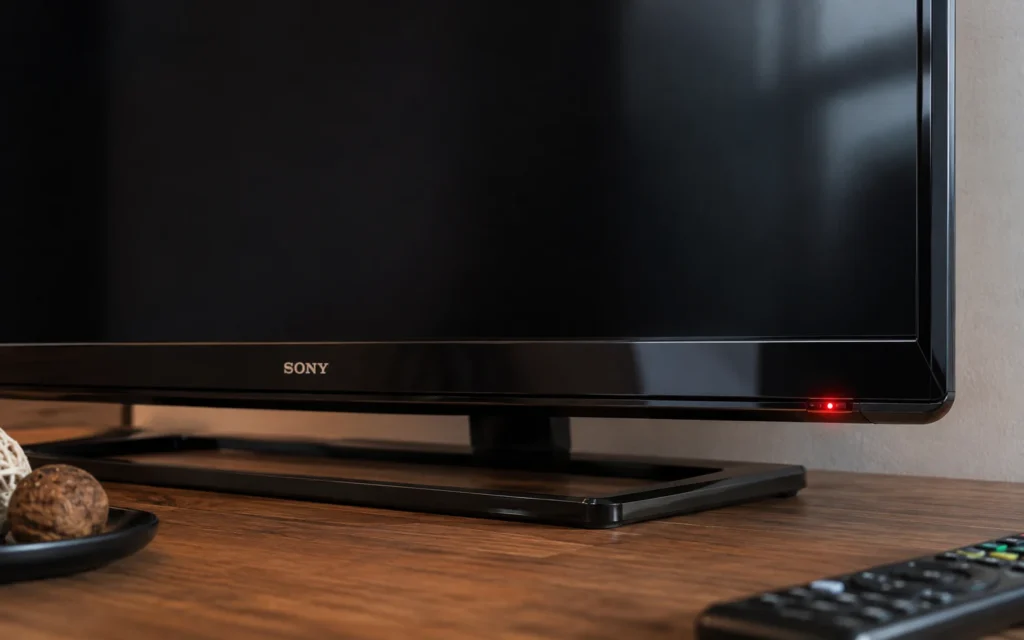
If your Sony Bravia TV is blinking a red light and the screen is not turning on, the blinking pattern can be an important diagnostic clue. Sony describes repeated red LED blinking as an indication that the TV has detected an issue, and the number of flashes can vary by model.
For Hyderabad TV owners, the important point is this: do not assume that every Sony TV uses exactly the same blink-code meaning. Sony’s official guidance says the number of flashes and their meaning can vary by model. So, the safest way to diagnose the problem is to record the blink count and identify the exact TV model before replacing any board or component.
If your Sony Bravia is showing 2, 4 or 6 red blinks, this guide explains what the pattern can indicate, what you can safely check at home, and when professional Sony TV repair Hyderabad is the better option.
What Does a Red Blinking Light Mean on a Sony Bravia TV?
A repeated red standby-light pattern generally means the TV has detected an abnormal condition.
Sony’s support documentation states that red LED blinking on supported models can indicate an issue requiring service. Sony also recommends counting the flashes between pauses because the number is useful when contacting support.
For example:
2 blinks → pause → 2 blinks → pause → repeat
is different from:
6 blinks → pause → 6 blinks → pause → repeat
The pattern should be counted carefully.
First, check these things
Before assuming that a board has failed:
- Turn the TV off.
- Disconnect the AC power.
- Disconnect external devices such as HDMI devices, USB devices and set-top boxes.
- Leave the TV disconnected for a short period.
- Connect it directly to a wall outlet.
- Try powering it on again.
- If the red light continues blinking, count the flashes between pauses.
Sony’s current troubleshooting guidance also recommends disconnecting connected devices and performing a power reset when the red LED continues blinking.
Sony TV 2 Red Blinks: What Does It Mean?
A 2-blink code is not a universal diagnosis for every Sony Bravia model.
Older Sony service information and repair cases associate particular two-blink patterns with power-related faults, but the exact circuit involved depends on the TV chassis and model. For example, Sony community documentation for a specific older BRAVIA model describes two blinks as a power-related protection condition.
Possible areas that a technician may investigate include:
- Power supply section
- DC voltage rails
- Protection circuits
- Main-board power circuitry
- A component causing excessive current or abnormal voltage
What should you do?
Don’t immediately order a replacement power board based only on “2 blinks.”
A technician should first identify:
- Exact Sony model number
- Chassis/platform
- Blink pattern
- Whether the TV attempts to start
- Whether sound is present
- Whether the screen flashes briefly
- Power-supply output conditions
This prevents replacing an expensive board when another component is actually responsible.
Sony TV 4 Red Blinks: What Does It Mean?
Four red blinks can also indicate an internal fault, but the exact meaning varies by Sony model.
This is one of the reasons generic online blink-code tables can be misleading.
A repair case involving a particular Sony Bravia model associated four blinks with an internal hardware problem, while other Sony chassis can use different diagnostic mappings.
Depending on the model, a technician may need to investigate areas such as:
- Power supply
- Main board
- Protection circuitry
- Backlight-related circuits
- Temperature or other monitoring circuits
So if your Sony Bravia shows:
4 red blinks → pause → 4 red blinks
don’t assume that the backlight is automatically defective.
The model number matters.
Sony TV 6 Red Blinks: Is the Backlight Faulty?
Six red blinks are frequently associated with backlight-related problems on certain Sony TV models, but this should still be treated as a model-specific diagnostic clue rather than a universal Sony code.
For example, repair documentation for some Sony Bravia models associates six blinks with a backlight error.
A technician may therefore inspect:
- LED backlight strips
- LED driver circuit
- Backlight power supply
- LED connections
- Protection circuitry
However, simply seeing six blinks does not prove that every LED strip in the television needs replacement.
Proper diagnosis is important because the same symptom can involve different components depending on the TV model.
Sony Bravia Blink Codes Are Model Specific
This is the most important part of diagnosing a Sony TV.
You may find online charts saying:
| Red Blinks | Possible Problem |
|---|---|
| 2 | Power-related fault |
| 4 | Internal hardware/protection fault |
| 6 | Backlight-related fault |
These can be useful as general diagnostic clues, but they should not be treated as a universal Sony code chart.
Sony itself states that red-light blink counts can vary by model, with supported TVs potentially showing different numbers of flashes.
Some Sony help guides simply instruct owners to count the red flashes and provide that number to Sony support rather than assigning one universal meaning to every model.
That’s why we recommend giving the technician:
Sony model number + number of red blinks + symptom
For example:
Sony KD-55XXXX — 6 red blinks — no picture.
That information can significantly narrow the diagnostic process.
What If My Sony TV Is Blinking but It Is Updating?
Not every blinking light means hardware failure.
Sony notes that some newer TVs can blink their status LED during software updates. During an automatic update, the TV may temporarily remain off or fail to respond normally while the update is being installed.
Therefore, if the TV has recently started an update, don’t immediately disconnect the power repeatedly.
However, if the red light continues in a repeated error pattern and the TV does not recover, further troubleshooting may be required.
Sony TV Red Light Blinking but No Picture
If the red light is blinking and the screen remains completely black, check the following:
1. Check the power connection
Make sure the power cable is properly connected and the wall outlet is working.
2. Disconnect external devices
Remove:
- HDMI devices
- USB drives
- Set-top boxes
- Gaming consoles
- Sound systems
Sony recommends disconnecting connected devices when troubleshooting persistent red LED blinking on applicable models.
3. Perform a power reset
Disconnect the TV from the mains and follow the reset procedure appropriate for your model.
4. Count the flashes
Watch carefully and record:
Number of red flashes → pause → repeat
5. Find the model number
The model number is usually printed on a label on the TV or in the documentation.
6. Avoid opening the TV unnecessarily
Modern televisions contain power circuits that can present electrical hazards. Component-level testing should be performed by someone with the appropriate technical knowledge and equipment.
Can You Fix Sony Bravia Red Light Blinking at Home?
Some basic troubleshooting can be performed safely at home.
You can check:
- Power outlet
- Power cable
- External HDMI/USB devices
- Remote-control operation
- Power reset
- Blink count
- TV model number
But opening the TV and testing internal power or backlight circuits is different.
A TV contains power-supply circuitry and other components that can be damaged or dangerous if handled incorrectly.
If the red blinking continues after the recommended basic reset, professional diagnosis is the safer option.
Sony TV Repair in Hyderabad
If your Sony Bravia is showing a repeated red blinking light, Vee Techno Electronics provides TV repair services in Hyderabad for Sony and other major television brands.
Our technicians can inspect symptoms such as:
- Sony TV not turning on
- Red light blinking
- No picture
- Black screen
- Backlight problems
- Power supply faults
- Main-board problems
- Display-related issues
- Sound problems
- TV restarting or shutting down
Before arranging a repair, keep your Sony TV model number and blink count ready. This helps the technician understand the reported symptom before inspection.
For customers in Hyderabad, including areas around ECIL, Kapra, AS Rao Nagar, Sainikpuri, Malkajgiri and nearby locations, you can contact Vee Techno Electronics to discuss your Sony TV problem.
Need Sony TV repair in Hyderabad? Contact Vee Techno Electronics for professional TV diagnosis and repair service.
Frequently Asked Questions
Why is my Sony Bravia TV blinking red?
A repeated red blinking light generally indicates that the TV has detected an issue. Sony recommends counting the number of flashes because the diagnostic pattern can vary by TV model.
What does 2 red blinks mean on a Sony TV?
Two red blinks can indicate a power-related or protection condition on some Sony models, but the exact meaning depends on the TV’s model and chassis. It should not be diagnosed from the blink count alone.
What does 4 red blinks mean on a Sony Bravia?
Four blinks indicate an internal diagnostic condition on some models, but Sony does not use one universal four-blink diagnosis across every Bravia TV. The exact model should be checked.
What does 6 red blinks mean on a Sony TV?
Six blinks are associated with backlight-related faults on some Sony Bravia models. However, proper testing is required to determine whether the LED strips, LED driver, power circuitry or another component is responsible.
Should I replace the power board if my Sony TV blinks twice?
Not without diagnosis. A two-blink pattern can point toward a power-related condition, but the actual failed component can vary by model.
Can a Sony TV red blinking light be fixed?
Often, yes, depending on the underlying fault. The repair could involve a power circuit, main board, backlight system, protection circuit or another component.
Should I keep using a Sony TV that keeps blinking red?
If the TV repeatedly enters an error condition and does not operate normally, it is better to stop troubleshooting beyond the manufacturer’s recommended basic steps and arrange professional diagnosis.
Final Takeaway
A Sony Bravia red blinking light is a diagnostic clue, not a complete repair diagnosis.
The most useful information is:
Sony model number + number of red blinks + what happens on the screen.
Sony’s own support documentation confirms that blink patterns can vary between models, so avoid relying on a single universal “2 = this, 4 = that, 6 = this” chart.
If your Sony TV continues to show a red blinking error, professional testing can identify the actual fault before parts are replaced.