
LG Magic Remote Cursor Not Showing? Quick Fixes You Can Try
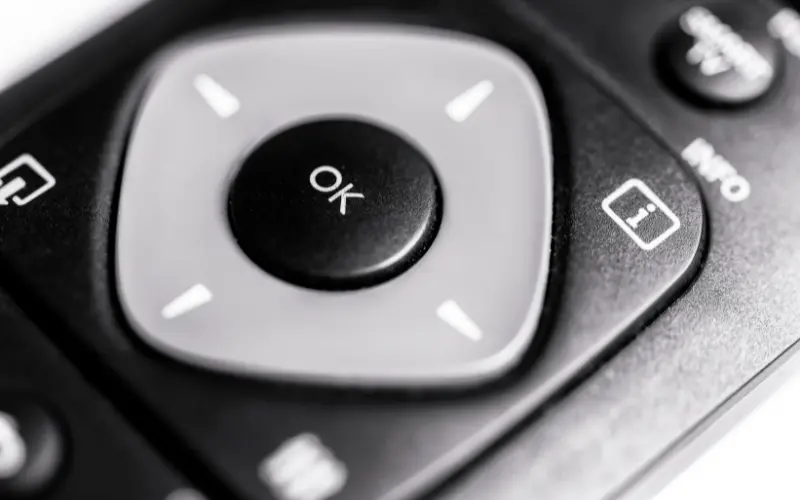
Where Did the Pointer Go? The LG Magic Remote is famous for its on-screen cursor that acts like a computer mouse. But what happens when you shake the remote and the pointer simply refuses to appear on your WebOS screen?
Quick Troubleshooting Steps
The Battery Check: The gyroscope and Bluetooth features drain batteries faster than standard remotes. Always try fresh alkaline batteries first.
The Un-pair and Re-pair Trick: Press and hold the “Home” and “Back” buttons together for 5 seconds until the power button flashes. Then, press the scroll wheel down to register the remote again.
Clear the Area: Wi-Fi routers placed directly next to the TV can cause signal interference with the remote’s Bluetooth connection.
If the remote registers but the cursor drifts wildly or doesn’t move, the internal gyroscope is likely broken from being dropped. If your TV’s Bluetooth module itself is failing, reach out for professional LG Tv repair in hyderabad to get your seamless browsing experience back.