
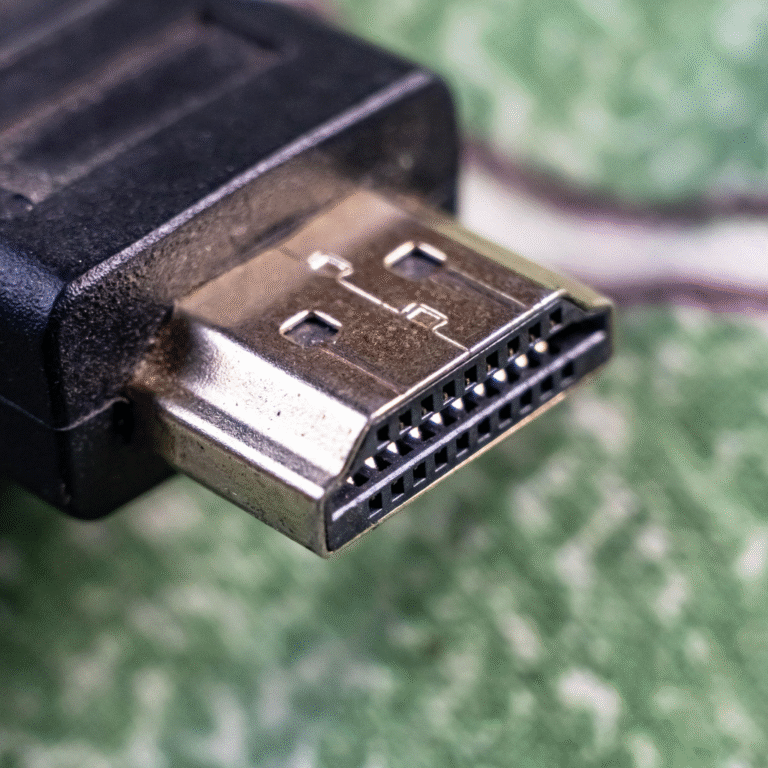
HDMI or Inputs Not Working on Mi TV — “No Signal” Issue? What to Try
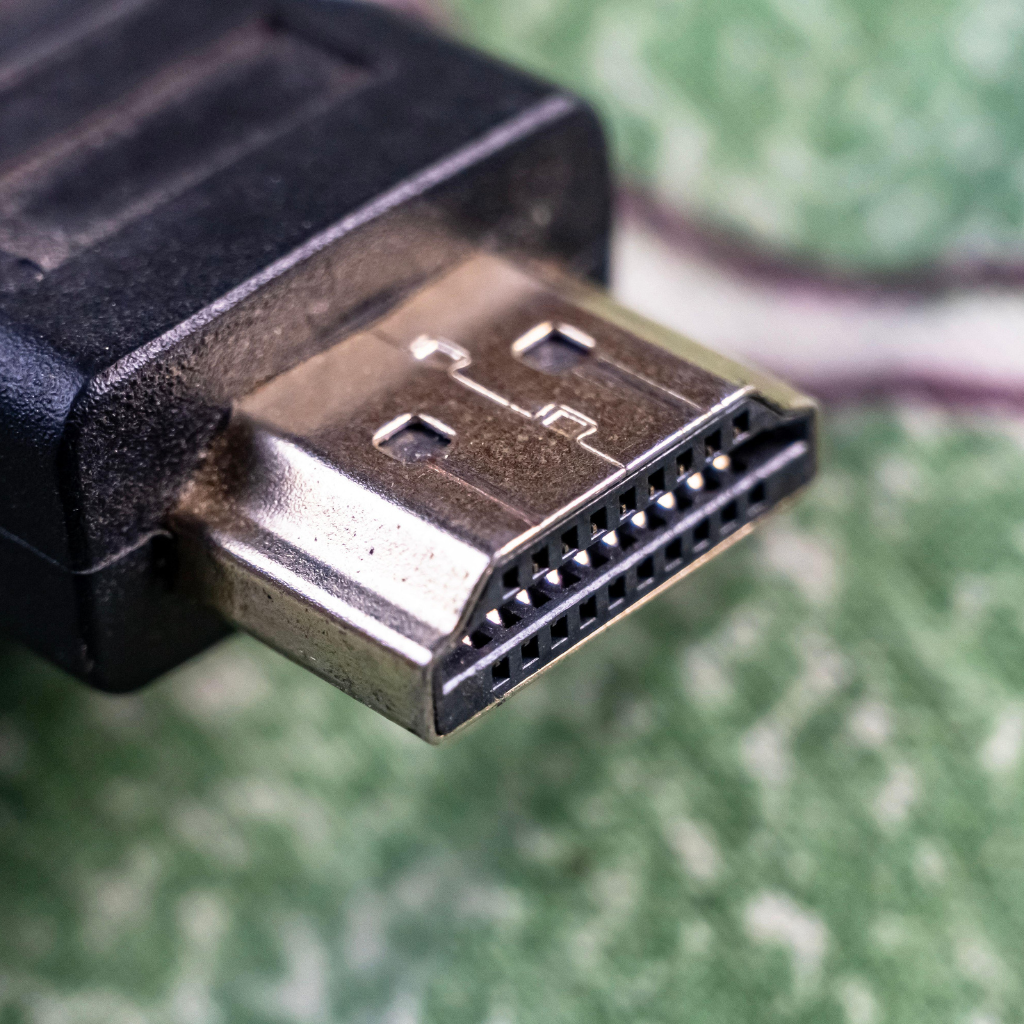
If your Mi TV is showing “No Signal” or the HDMI and other input ports aren’t working, it can be frustrating. You might hear sound from other sources, but your HDMI devices like set-top boxes, gaming consoles, or Blu-ray players aren’t recognized.
At Veetechno Electronics, we specialize in Mi TV repair in Hyderabad, helping users quickly resolve input and signal issues. In this guide, we’ll explain the common causes, safe troubleshooting steps, and when to call a professional.
Common Reasons HDMI / Inputs Fail on Mi TVs
1. Loose or Faulty HDMI Cables
A disconnected or damaged HDMI cable is the most common reason for “No Signal.”
What to try:
Ensure the HDMI cable is firmly connected to both the TV and the device.
Test the cable with another device or try a different HDMI port.
Replace the cable if it is damaged.
2. Wrong Input Source Selected
Sometimes the TV is set to the wrong input, causing a “No Signal” message.
Quick check:
Press the Input / Source button on the Mi remote.
Cycle through HDMI1, HDMI2, AV, or other input options.
Ensure the connected device is powered on.
3. Firmware or Software Glitch
Mi TVs may occasionally fail to recognize HDMI devices due to software glitches or outdated firmware.
Safe solution:
Restart your Mi TV by unplugging it for one minute and plugging it back in.
Check for firmware updates via Settings → About → System Update.
Update the TV software if an update is available.
4. Faulty HDMI Port or Input Board
If none of the above steps work, the input board or HDMI port may be damaged. Over time, voltage fluctuations, loose connections, or dust can cause these components to fail.
Only a certified technician should handle internal board repairs to avoid further damage.
5. Device-Specific Issues
Sometimes the problem is not the TV but the connected device:
Check if the device works with another TV.
Test a different HDMI device on the Mi TV to isolate the issue.
What You Can Safely Try at Home
Test each HDMI port with different devices.
Check HDMI cables for visible damage.
Restart both TV and connected devices.
Ensure the TV firmware is updated.
Use the TV’s remote to manually select the correct input.
If the issue persists, do not open the TV yourself, as the internal circuits can be dangerous.
When to Call a Mi TV Repair Technician in Hyderabad
Contact a professional if:
No HDMI port or input works even after troubleshooting
“No Signal” appears for all connected devices
Ports are physically damaged or loose
Firmware updates do not fix the issue
Veetechno Electronics provides Mi TV repair in Hyderabad, handling input board repairs, HDMI port replacement, and software diagnostics with genuine parts.
Why Hyderabad Residents Choose Veetechno Electronics
Experienced technicians for all Mi TV models
Same-day home service across Hyderabad
Original spare parts and service warranty
Transparent, affordable pricing
Repair for LED, Smart, and Mi TVs
Whether it’s HDMI, USB, or AV input issues, we bring your Mi TV back to full functionality.
FAQs
1. My Mi TV shows “No Signal” on HDMI. What should I do?
Check HDMI connections, select the correct input source, restart the TV, and update firmware. If it persists, contact a technician.
2. Can a damaged HDMI port be repaired?
Yes. Certified technicians can replace or repair HDMI ports and input boards.
3. Do you offer home service for Mi TV repair in Hyderabad?
Yes. We provide doorstep service for all Mi TV issues, including HDMI and input problems.
4. How much does it cost to fix HDMI/input issues on a Mi TV?
Costs vary based on the problem. Veetechno Electronics provides a free inspection and estimate before repair.