
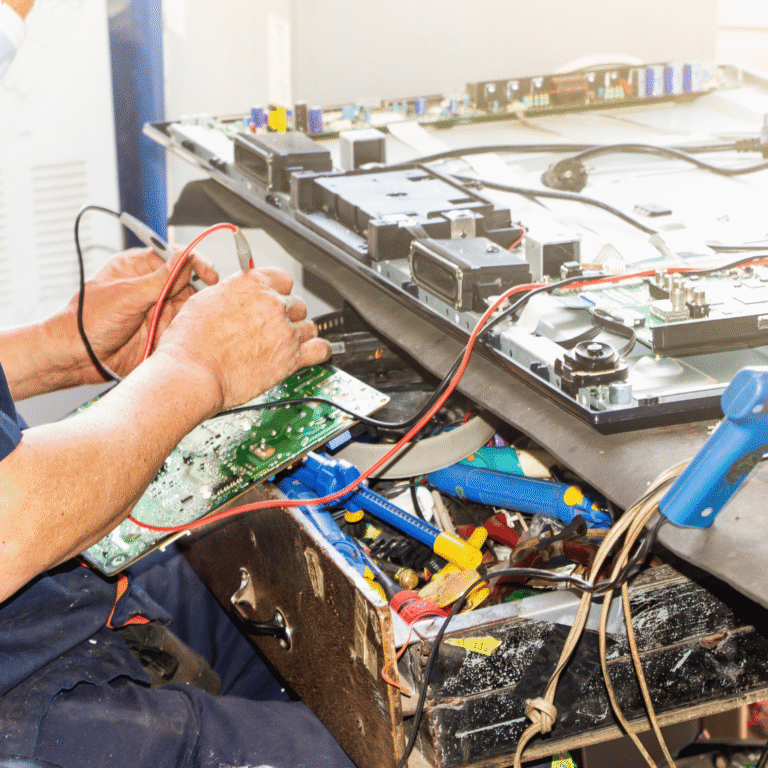
Inside a TV Technician’s Toolkit: How Hyderabad’s Top Technicians Actually Diagnose a TV
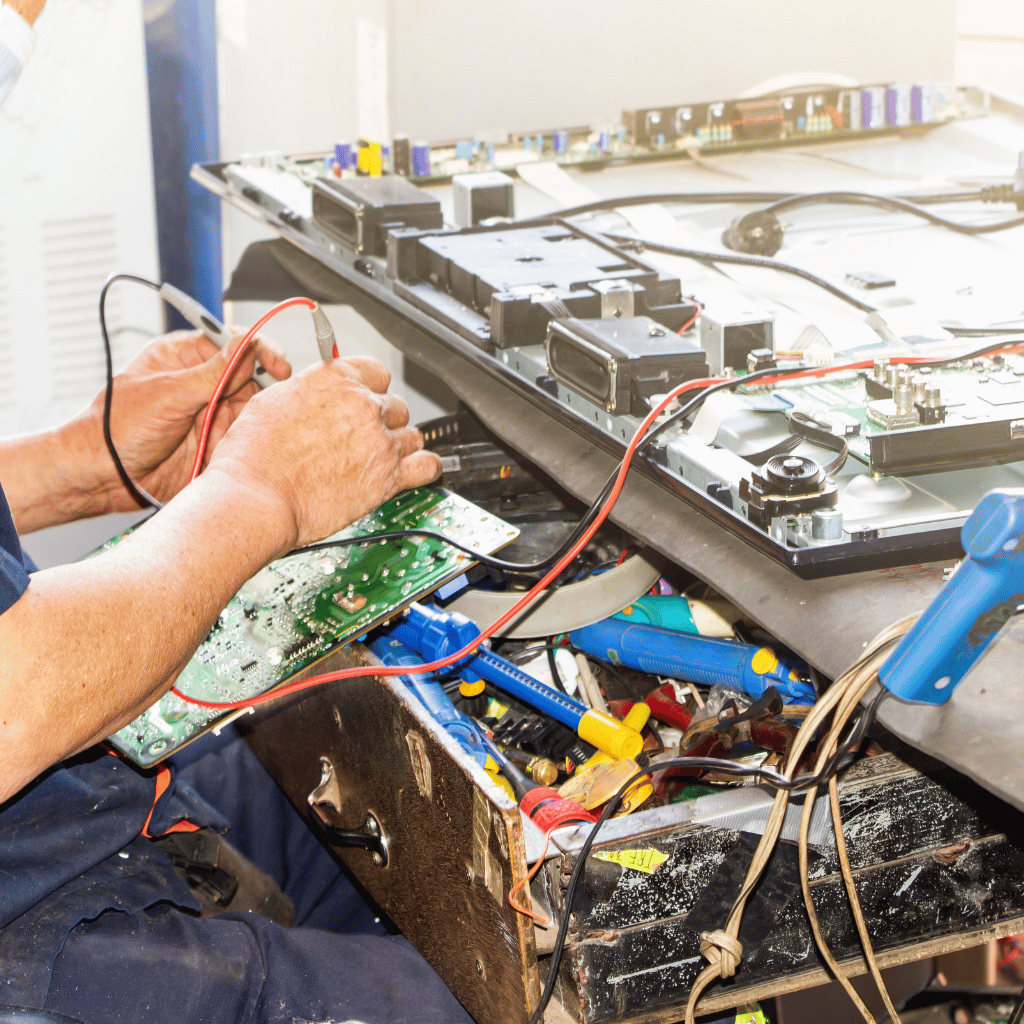
1. Physical Inspection — The Clues Customers Don’t See
A technician can diagnose 30% of issues visually:
• Burn marks
• Loose COF bonding
• Backlight leakage
• Moisture entry
• Rusted connectors
• Bulged capacitors
Without touching a tool, a trained eye identifies early clues.
2. Voltage Rail Mapping — The Heart of Real Diagnosis
Every TV has primary voltage lines:
12V (panel supply)
5V (motherboard logic)
3.3V (T-Con control)
1.8V (memory circuits)
24V (backlight driver)
A trained technician measures each using:
• Multimeter
• Oscilloscope (premium shops)
• Thermal camera (for hotspot mapping)
One incorrect rail can cause:
• No power
• No picture
• Lines
• Boot loops
• HDMI failure
Voltage mapping is what most roadside technicians skip.
3. T-Con Testing — The Most Misunderstood Step
T-Con is responsible for:
• Gate driver signals
• Timing control
• Pixel mapping
A technician checks:
• VGH / VGL
• AVDD
• VCOM
• Panel test points
• COF heating
• Ribbon response
If even one value is off, the result is:
• Flickering
• Lines
• Half screen
• No picture
4. Panel Isolation — The Step That Saves Customers Thousands
Top Hyderabad tv technicians detach the panel from the T-Con and test separately.
Why?
Because this isolates:
• Panel bonding faults
• Driver IC damage
• Gate driver corruption
This step tells whether a panel is truly dead.
87% of shops in Hyderabad don’t perform this test — which leads to fake “panel gone” diagnoses.
5. Backlight Load Testing
Using LED testers, technicians simulate actual LED load.
Findings from testing:
• One weak LED can reduce full brightness
• Duplicate strips fail load test
• Driver IC overstressing backlight
This identifies the real cause instead of simply replacing strips.
6. HDMI and WiFi Circuit Diagnosis
HDMI issues are tested with:
• EDID data check
• Port continuity
• IC temperature
• Signal integrity test
WiFi issues are checked with:
• Antenna output
• Voltage stability
• Module short tests
7. eMMC Storage Testing — The Real Reason Smart TVs Slow Down
Android and WebOS TVs rely heavily on flash memory.
Signs of failing eMMC:
• Slow OS
• Apps freezing
• Boot loops
• Factory reset failing
Technicians test:
• Read/write speeds
• Voltage drop
• Heat under load
If eMMC is weak, firmware reinstall alone won’t fix the issue.
Conclusion
TV repair is a science, not guesswork.
When done properly—with voltage mapping, panel isolation, and chip-level diagnostics—TVs can be repaired accurately without unnecessary part replacements.